It always happens at the worst moment. You open your app, ready to stream your favorite content, and suddenly nothing works. Buffering, login errors, or a black screen appear. If you are facing iptv smarters not working, you are not alone. Many users experience this issue daily, but the good news is that most problems are easy to fix. If you want a reliable service from the start, you can always explore Best IPTV UK solutions that offer stable streaming across all devices.
This complete guide will walk you through every possible reason and solution so you can fix your IPTV quickly and get back to watching without interruptions.
Table of Contents
Why IPTV Smarters Not Working: Common Causes Explained
Most Frequent IPTV Issues
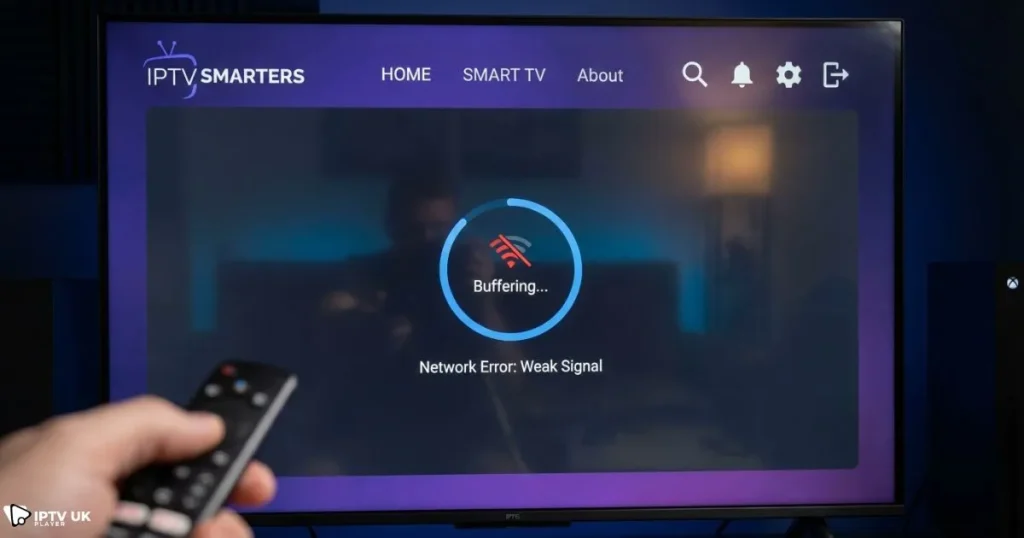
- Outdated app version causing iptv app not working
- Slow internet leading to iptv smarters buffering
- ISP blocking causing IPTV connection issues
- Incorrect login details
- Server downtime from provider
Technical Reasons Behind the Problem
- DNS errors preventing server connection
- Corrupted cache data
- Device compatibility issues
- VPN misconfiguration
When iptv smarters not working, identifying the root cause is the first step toward solving the issue effectively.
Quick Fix Checklist: Solve IPTV Issues Fast
Basic Troubleshooting Steps
- Restart your device
- Restart your router
- Check your subscription status
- Update IPTV Smarters
- Switch internet connection
Pro Tip
Use mobile data to check if your WiFi is the cause of iptv smarters not working.
Fix IPTV Smarters Not Working on All Devices
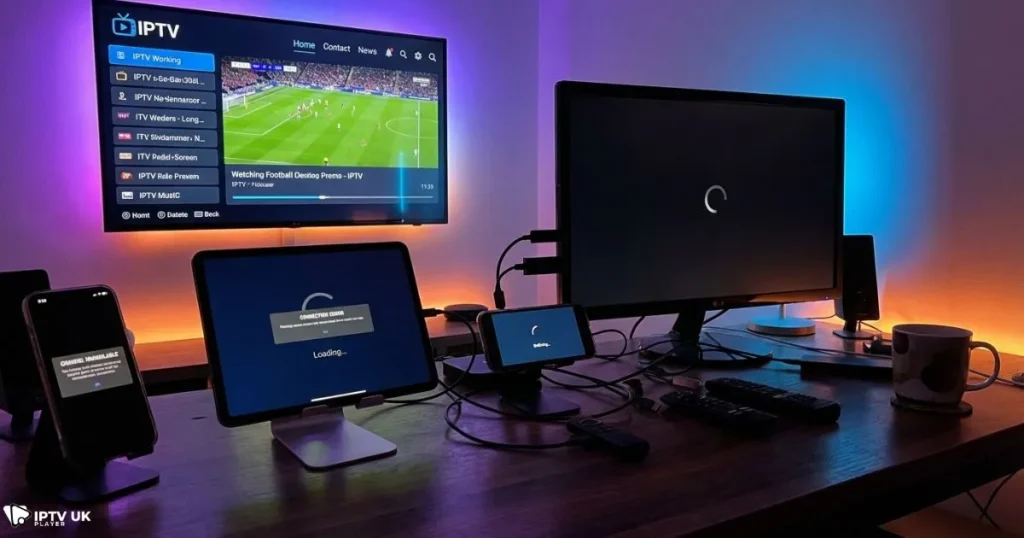
Firestick Fix
- Clear cache from settings
- Force stop the app
- Reinstall IPTV Smarters
Android Devices
- Clear app data
- Enable all permissions
- Disable battery optimization
Smart TVs
- Update firmware
- Reinstall the app
- Use alternative apps if needed
iOS Devices
- Delete and reinstall app
- Check network permissions
- Use VPN if needed
If iptv smarters not working across multiple devices, the issue is likely related to your connection or provider.
How to Fix IPTV Smarters Buffering Issues
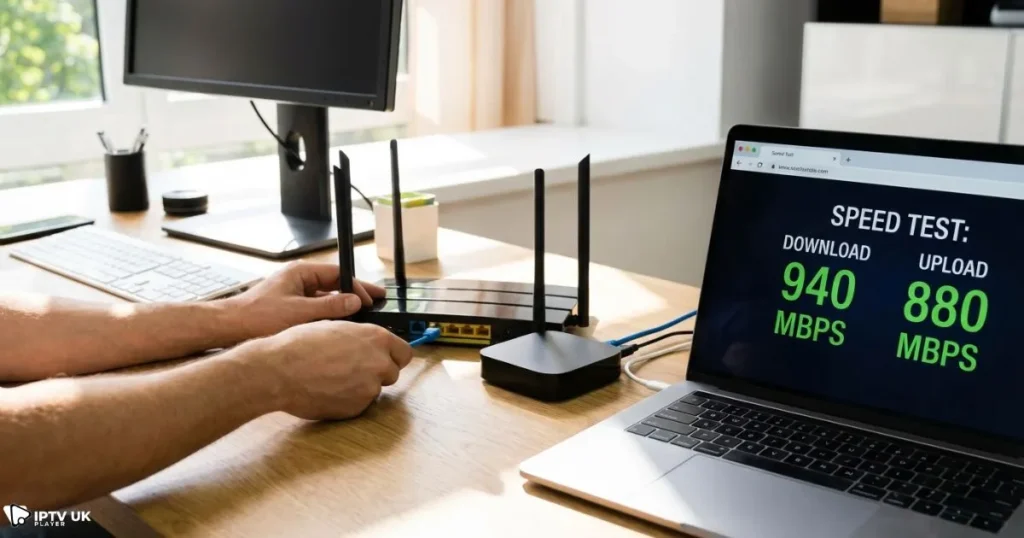
Main Causes
- Slow internet speed
- Overloaded servers
- ISP throttling
Solutions
- Switch to Ethernet connection
- Reduce video quality
- Use VPN to bypass throttling
Recommended Internet Speed
| Quality | Speed |
|---|---|
| SD | 5 Mbps |
| HD | 10 Mbps |
| 4K | 25 Mbps |
Buffering is one of the biggest signs of iptv smarters not working properly.
Fix IPTV Connection Issues with Advanced Methods
Change DNS Settings
- Google DNS: 8.8.8.8
- Cloudflare DNS: 1.1.1.1
Use VPN
A VPN helps solve IPTV connection issues by bypassing ISP restrictions.
Reset Network
- Forget WiFi network
- Reconnect from scratch
- Restart router
You can also test your speed using a trusted tool like Speedtest by Ookla to confirm your connection quality.
IPTV Smarters Login Problems and Fix
Common Errors
- Invalid credentials
- Server not loading
- Authorization failed
Solutions
- Check username and password
- Verify server URL
- Contact provider
Understanding how login systems work can help. Learn more about Xtream Codes login setup and API integration for better troubleshooting.
Best Alternative Apps if IPTV Smarters Not Working
Top Alternatives
- TiviMate
- XCIPTV
- Smart IPTV
- IBO Player
Comparison Table
| App | Best For | Devices |
|---|---|---|
| TiviMate | Advanced users | Android |
| XCIPTV | Beginner friendly | Android TV |
| Smart IPTV | Smart TVs | Samsung LG |
If your iptv smarters not working, switching apps can sometimes be the fastest solution. You can explore other free IPTV player options for different devices.
How IPTV Servers Affect Performance
The performance of your IPTV depends heavily on server quality. Poor servers often cause iptv smarters not working issues.
- High latency servers cause buffering
- Low uptime leads to outages
- Overloaded servers reduce quality
To understand this deeper, check how IPTV streaming servers operate and deliver content.
Prevent IPTV Smarters Issues in the Future
Best Practices
- Always update your app
- Use a premium IPTV provider
- Avoid unstable free services
- Use VPN regularly
Optimization Tips
- Close background apps
- Use wired internet
- Upgrade your internet plan
Choosing a stable provider is key to avoiding iptv smarters not working problems.
Affordable IPTV Plans for Better Stability
If you are tired of constant issues, switching to a reliable provider is essential. You can explore affordable IPTV subscription plans with multi-device support that offer better performance and fewer interruptions.
For a smooth experience, many users switch to Best IPTV UK services that guarantee uptime and compatibility.
FAQ: IPTV Smarters Not Working
Why is IPTV Smarters not working on my device?
Most of the time, iptv smarters not working is caused by internet issues, outdated apps, or wrong login details.
How do I fix IPTV Smarters buffering?
Improve your internet speed, use a VPN, and reduce streaming quality.
Can VPN fix IPTV connection issues?
Yes, it helps bypass ISP restrictions and improves streaming stability.
Is IPTV Smarters down?
The app rarely goes down. The issue is usually from your IPTV provider.
What should I do if IPTV app not working?
Try reinstalling the app or switching to another IPTV player.
Conclusion
Dealing with iptv smarters not working can be frustrating, but in most cases, the fix is simple. Whether it is a connection issue, buffering problem, or login error, you now have a complete roadmap to solve it quickly.
If you want to avoid these problems entirely, choosing a reliable provider is the smartest move. With Best IPTV UK, you get stable servers, fast streaming, and a 24 to 48 hour free trial to test everything risk free.
Take action today and enjoy uninterrupted streaming across all your devices.