You finally plugged in your Firestick, expecting endless entertainment at your fingertips… but instead, you’re stuck switching between limited apps, missing your favorite channels, and dealing with frustrating restrictions. If that sounds familiar, you’re not alone. The good news: once you set up iptv smarters firestick, your entire streaming experience changes. With the right setup, your Firestick becomes a powerful all-in-one entertainment hub. If you’re looking for a reliable British iptv solution, this guide will walk you through everything step by step.
Table of Contents
What is IPTV Smarters and Why Use It on Firestick?
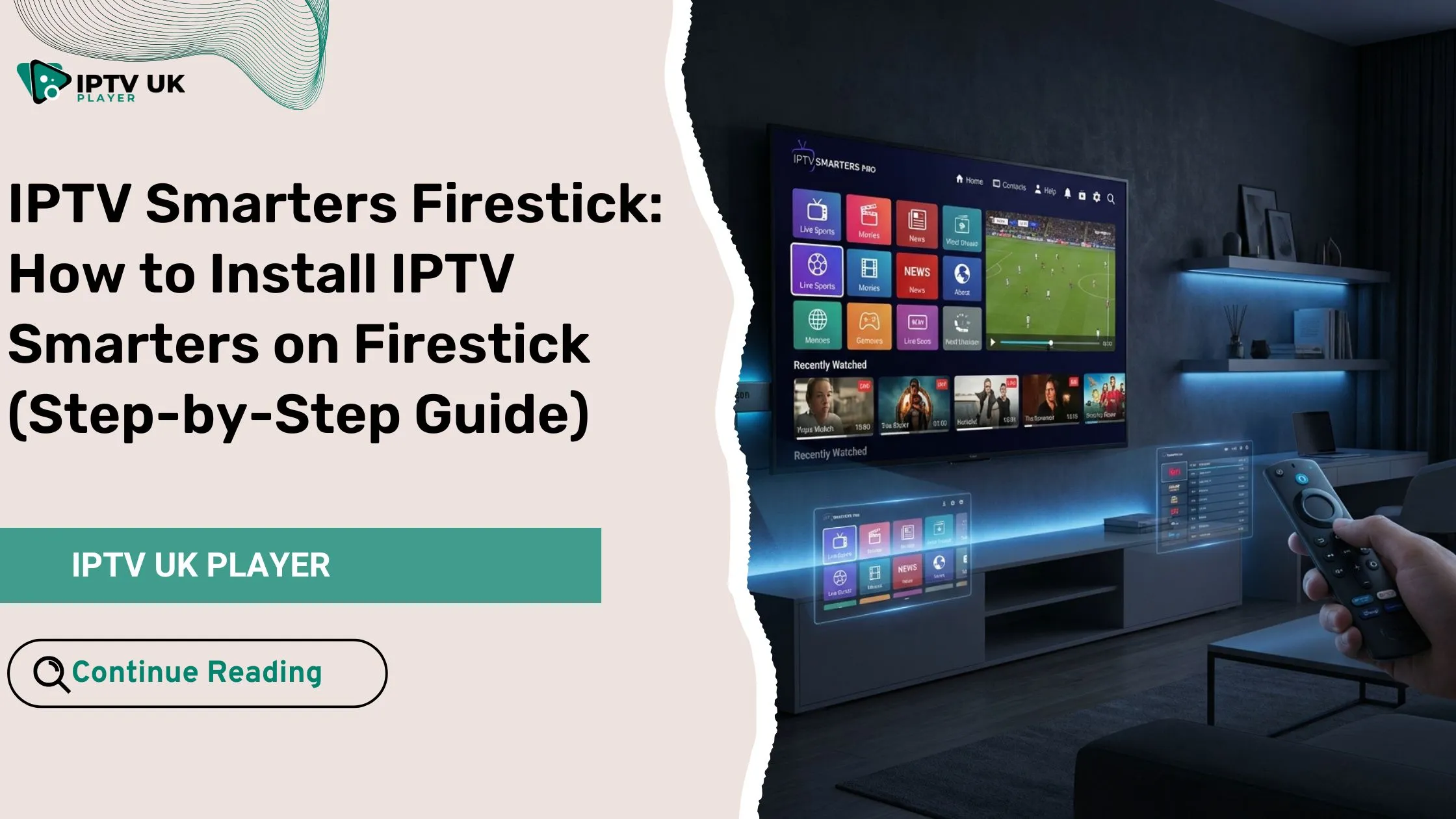
IPTV Smarters Firestick is one of the most popular ways to stream live TV, movies, and series using IPTV services. It is not an IPTV provider but a powerful media player that allows you to access your subscription content.
Why IPTV Smarters is ideal for Firestick
- Simple and user-friendly interface
- Supports live TV, VOD, and series
- Works perfectly on Amazon Firestick devices
- Compatible with Xtream Codes API and M3U playlists
Firestick itself is one of the most widely used streaming devices in the world. According to Statista, streaming devices like Firestick continue to grow rapidly as more users shift away from traditional cable TV.
Requirements Before Installing IPTV Smarters Firestick
Before starting the install iptv smarters firestick process, make sure you have everything ready.
Checklist
- Amazon Firestick device
- Stable internet connection (minimum 10 Mbps)
- Active IPTV subscription
- Downloader app
If you’re still exploring options, you can check out affordable IPTV plans through this guide on cheap IPTV UK subscriptions for multi-device streaming.
Enable Apps from Unknown Sources on Firestick
To properly install iptv smarters firestick, you need to allow third-party apps.
Steps
- Go to Settings
- Select My Fire TV
- Click Developer Options
- Enable Apps from Unknown Sources
- Enable ADB Debugging
This step is completely safe and necessary to proceed with the installation.
How to Install IPTV Smarters on Firestick (Step-by-Step Guide)
Now let’s go through the full install iptv smarters firestick process.
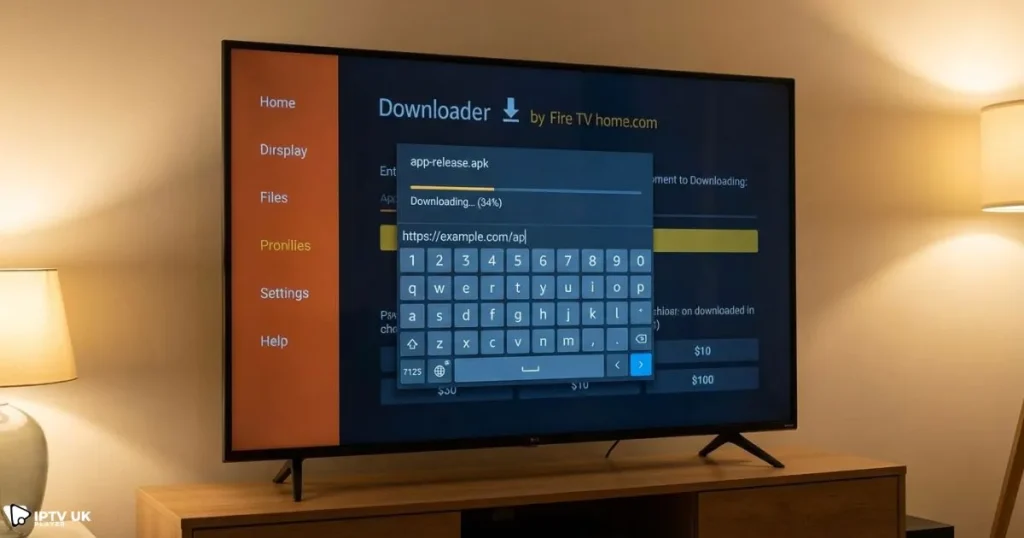
Step 1: Install Downloader App
- Open Amazon App Store
- Search for Downloader
- Install the app
Step 2: Download IPTV Smarters APK
- Open Downloader
- Enter the APK URL
- Click Download
Step 3: Install IPTV Smarters Pro
- Click Install
- Wait for installation
- Open the app
Step 4: Delete APK File
- Remove the APK file to free storage space
Once completed, your iptv smarters firestick setup is ready for configuration.
IPTV Smarters Pro Firestick Setup (Login Guide)
After installation, you need to complete the iptv smarters pro firestick setup.
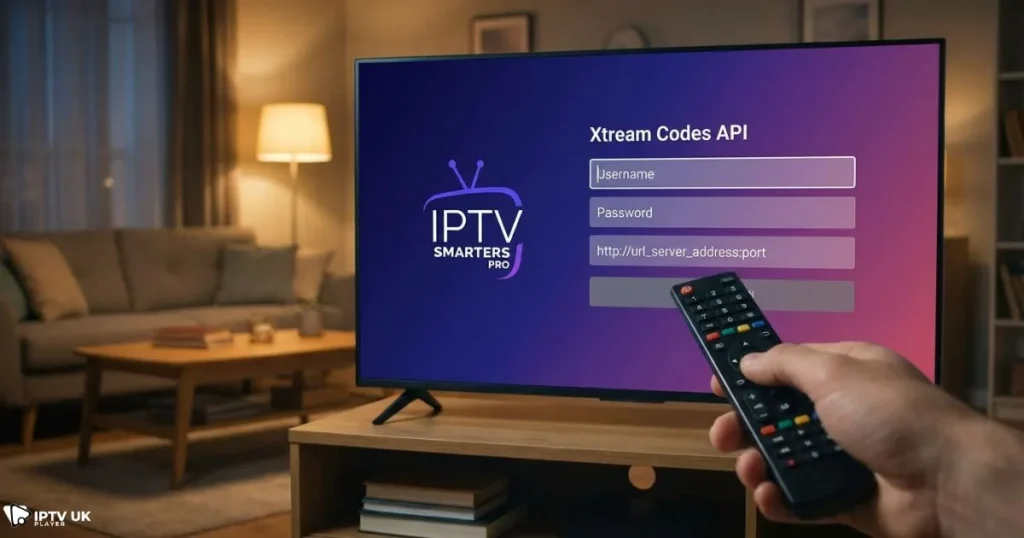
Login Methods
| Method | Required Info | Difficulty |
|---|---|---|
| Xtream Codes API | Username, Password, URL | Easy |
| M3U URL | Playlist link | Medium |
| File Upload | Local file | Advanced |
To better understand how login systems work, read this detailed explanation about Xtream Codes API setup and IPTV login systems.
Best Settings for IPTV Smarters Firestick
To get the best performance from iptv smarters firestick, optimize your settings.
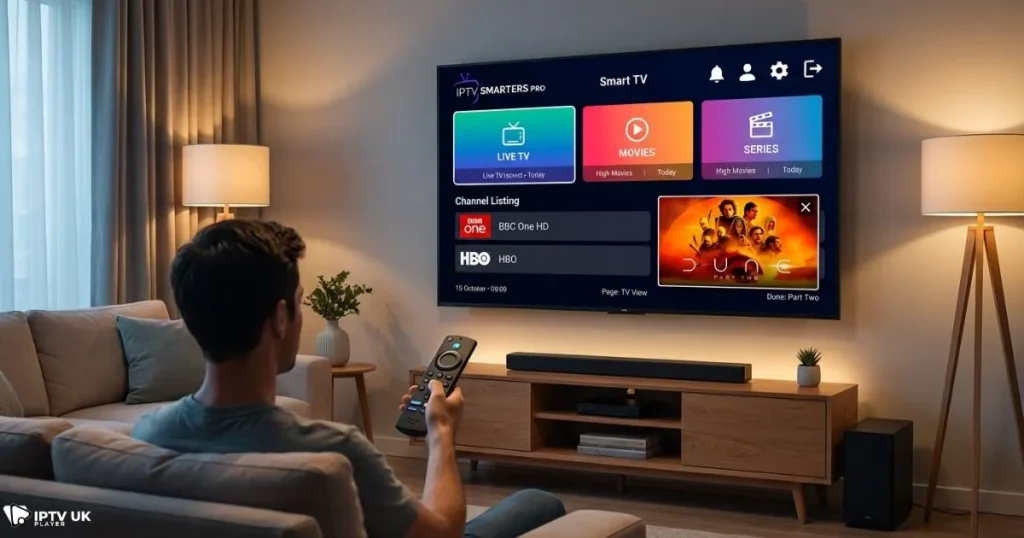
Recommended Settings
- Use built-in player or VLC
- Adjust buffer size
- Enable EPG auto-update
- Turn on hardware decoding
Performance Tips
- Restart your Firestick regularly
- Clear app cache
- Use Ethernet adapter for stability
Understanding how streaming works can also help you optimize performance. Learn more about how IPTV servers deliver streaming content efficiently.
Common Issues with IPTV Smarters Firestick and Fixes
Buffering Problems
- Check internet speed
- Restart device
- Switch player settings
Login Errors
- Verify credentials
- Check server URL
Channels Not Loading
- Refresh playlist
- Contact provider
Why Choose IPTV UK Player for IPTV Smarters Firestick
If you want a smooth experience with iptv smarters firestick, choosing the right provider is crucial.
- High-quality HD and 4K streams
- Fast activation
- Stable servers
- 24 to 48-hour free trial
Midway through your setup journey, this is the perfect time to explore a trusted British iptv provider that works seamlessly with Firestick.
IPTV Smarters Firestick vs Other IPTV Apps
| App | Ease of Use | Features | Compatibility |
|---|---|---|---|
| IPTV Smarters | Very Easy | Advanced | Excellent |
| TiviMate | Medium | Advanced | Android |
| Smart IPTV | Easy | Basic | Smart TVs |
If you’re comparing apps, you can also explore other free IPTV player options for different devices.
Is IPTV Smarters Firestick Safe and Legal?
Using iptv smarters firestick is completely legal since it is only a media player. The legality depends on the IPTV provider you choose.
Safety Tips
- Use a trusted IPTV service
- Consider using a VPN
- Avoid unknown sources
FAQ: IPTV Smarters Firestick
How do I install IPTV Smarters on Firestick?
You can install iptv smarters firestick using the Downloader app by downloading the APK and following the installation steps provided above.
Is IPTV Smarters free?
Yes, the app is free, but you need a paid IPTV subscription to access content.
Why is IPTV Smarters not working?
Common issues include slow internet, incorrect login details, or server problems.
Can I use IPTV Smarters on Firestick without subscription?
No, you need an IPTV service to stream content.
What is the best IPTV for Firestick?
The best experience comes from reliable providers with stable servers and high-quality streams.
Conclusion
Setting up iptv smarters firestick might seem technical at first, but once you follow the steps, it becomes a straightforward process. From installation to optimization, every step brings you closer to a better streaming experience.
With the right setup, your Firestick transforms into a powerful entertainment system. If you’re ready to unlock premium content, start today with a trusted British iptv provider and take advantage of a free trial to test everything yourself.