You finally get access to what looks like unlimited entertainment, yet you pause for a second and think: how do you actually use it? If you’ve ever felt confused trying to load channels, understand playlists, or pick the right app, you’re not alone. The good news is that once you understand how an iptv player m3u works, everything becomes simple and smooth. With the right setup, you can stream thousands of channels on any device using the best iptv service available today.
This guide walks you step by step through everything you need to know, from choosing the best IPTV player app to completing your iptv m3u url setup on Android, iOS, Smart TVs, Firestick, and even your computer. By the end, you will feel confident using any m3u playlist iptv like a pro.
Table of Contents
What is an IPTV Player M3U?
Understanding M3U Playlist IPTV
An iptv player m3u is essentially a tool that reads a playlist file containing streaming links. These playlists, known as M3U files or URLs, include channels, movies, and series that you can access instantly.
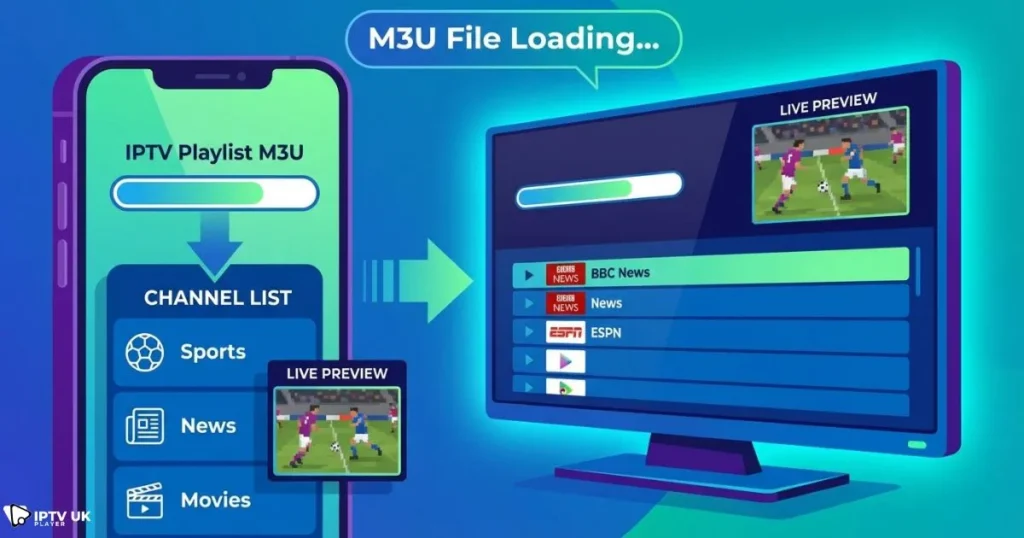
- M3U URL: A link provided by your IPTV provider
- M3U File: A downloadable playlist
- EPG Support: Adds program schedules
When you load a m3u playlist iptv into your player, it organizes all channels into categories for easy navigation.
How IPTV Players Work
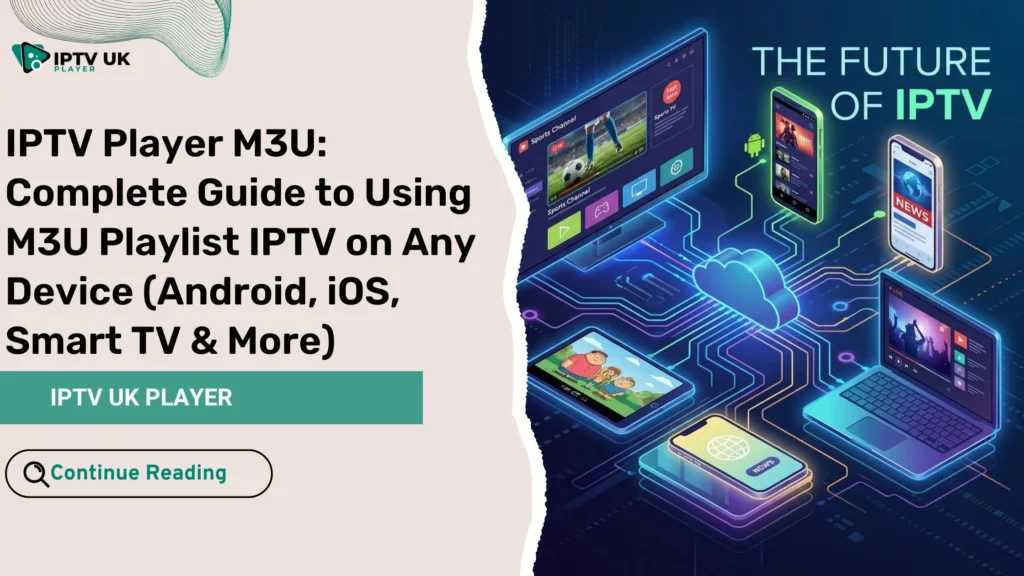
An IPTV player acts as a bridge between your device and streaming servers. It reads your playlist and displays content in a user-friendly interface.
If you are curious about how streaming infrastructure works behind the scenes, you can learn more about how IPTV servers operate for streaming.
Key Benefits of Using IPTV M3U
- Access to thousands of live TV channels
- Works on multiple devices
- Flexible playlist management
- Affordable alternative to cable TV
Requirements Before Setting Up IPTV M3U URL
Before you begin your iptv m3u url setup, make sure you have the following:
- An active IPTV subscription
- A stable internet connection
- A compatible IPTV player app
- Your M3U playlist IPTV link
Recommended Internet Speed
| Streaming Quality | Minimum Speed |
|---|---|
| SD | 5 Mbps |
| HD | 10 Mbps |
| 4K | 25+ Mbps |
For best performance, always use a wired connection or strong WiFi signal.
Best IPTV Player Apps for M3U Playlist IPTV

Best IPTV Player App for Android
- IPTV Smarters Pro
- TiviMate
These apps provide smooth navigation and excellent support for iptv player android ios environments.
Best IPTV Player App for iOS
- GSE Smart IPTV
- Smarters Player Lite
Best IPTV Player for Smart TV
- Smart IPTV
- SET IPTV
Comparison Table
| App | Device | Feature |
|---|---|---|
| IPTV Smarters | Android / iOS | Easy setup |
| TiviMate | Android TV | Advanced UI |
| GSE IPTV | iOS | Multi-format support |
If you want more options, check this guide on free IPTV player apps for all devices.
How to Setup IPTV M3U URL on Any Device
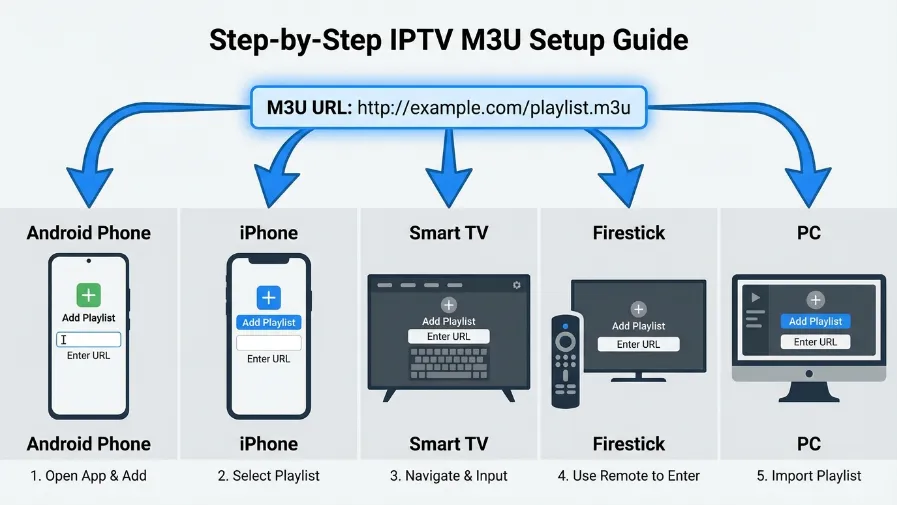
IPTV Player Android Setup Guide
- Download your IPTV app
- Open and select Add Playlist
- Enter your M3U URL
- Wait for channels to load
This is the most common way to use an iptv player m3u on Android devices.
IPTV Player iOS Setup Guide
- Install your IPTV app
- Add M3U playlist IPTV
- Enable EPG for guide
Smart TV Setup
- Install Smart IPTV or SET IPTV
- Upload your playlist online
- Restart the app
Firestick Setup
- Enable unknown sources
- Install Downloader app
- Download IPTV player
- Enter M3U link
PC Setup Using VLC
- Open VLC Media Player
- Click Open Network Stream
- Paste your IPTV M3U URL
You can download VLC safely from the official VideoLAN website.
IPTV M3U URL Setup vs Xtream Codes
Key Differences
- M3U URL: Manual setup
- Xtream Codes: Automatic configuration
If you want a deeper explanation, explore this guide on Xtream Codes IPTV setup and login.
| Feature | M3U | Xtream |
|---|---|---|
| Ease | Medium | Easy |
| EPG | Manual | Auto |
Common IPTV Player M3U Issues and Fixes
IPTV Not Loading
- Check your internet
- Verify playlist link
Buffering Problems
- Use Ethernet connection
- Close background apps
EPG Not Working
- Reload EPG URL
- Switch player app
Tips to Improve IPTV Streaming Quality
- Use high-speed internet
- Choose best iptv player app
- Keep apps updated
- Use VPN if needed
Also, choosing a reliable provider makes a big difference. You can explore affordable options in this guide to cheap IPTV UK subscription plans.
Why Choose IPTV UK Player for M3U IPTV?
If you want a seamless experience with an iptv player m3u, your provider matters just as much as your app.
- Instant M3U access
- Compatible with all devices
- HD and 4K quality
- 24 to 48 hour free trial
With the best iptv service, you avoid setup headaches and enjoy stable streaming.
| Plan | Features |
|---|---|
| 1 Month | Full access |
| 12 Months | Best value |
Advanced Features of IPTV Player Apps
EPG Integration
Displays program schedules for all channels.
Catch Up TV
Lets you watch missed shows anytime.
Multi Screen
Watch multiple channels at once.
IPTV Player Android iOS Optimization Tips
- Clear cache regularly
- Use external players
- Keep apps updated
Optimizing your iptv player android ios setup ensures smoother playback and fewer interruptions.
FAQ: IPTV Player M3U
What is an IPTV player M3U?
An iptv player m3u is an application that plays streaming content using an M3U playlist.
How do I add an M3U playlist IPTV?
Open your IPTV app, select add playlist, and enter your M3U URL.
What is the best IPTV player app?
Popular options include IPTV Smarters and TiviMate.
Can I use IPTV player M3U on Android and iOS?
Yes, most modern apps support both platforms.
Why is my IPTV buffering?
Buffering usually happens بسبب slow internet or overloaded servers.
Conclusion: Start Streaming Today
Now that you understand how an iptv player m3u works, you can easily set up your device and start watching your favorite channels without confusion. Whether you are using Android, iOS, or Smart TV, the process is simple once you follow the right steps.
To get the best experience, always choose a reliable provider and a high-quality player. You can start today with the best iptv service and enjoy a free trial before committing.
Your entertainment is ready. All you need to do now is load your playlist and press play.