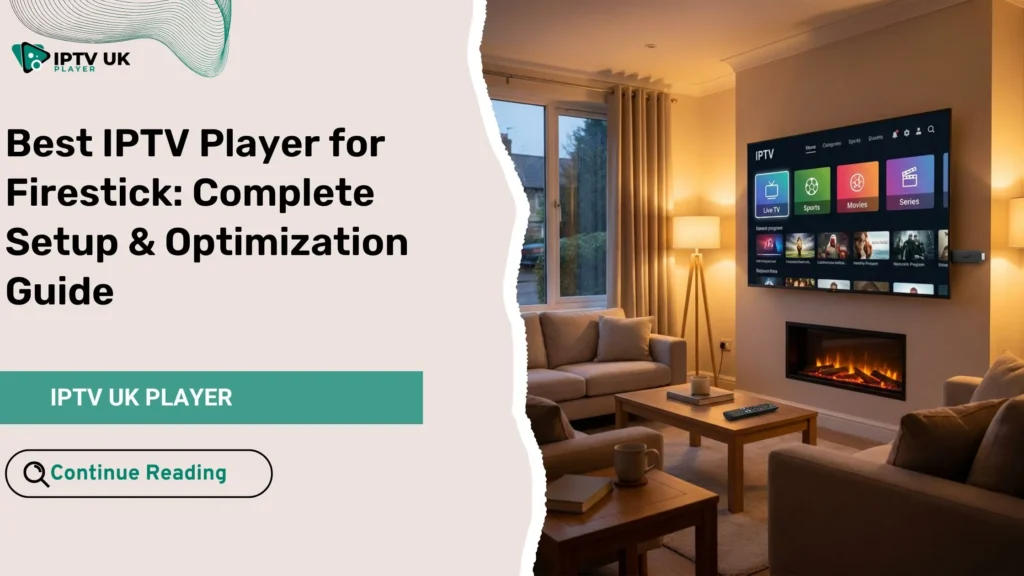
If you have ever turned on your Fire TV Stick, sat back on the sofa, and felt disappointed by buffering, missing channels, or confusing apps, you are not alone. You bought a powerful device, yet the experience feels limited. The truth is simple: your Firestick can become a full entertainment hub when you choose the right iptv player for firestick and configure it correctly. This guide is written for you, the viewer who wants smooth UK channels, reliable sports, and on demand content without frustration. By the end, you will know exactly how to install, configure, and optimize your IPTV experience and how to combine it with a high quality subscription from IPTV UK Player.
Table of Contents
What an IPTV Player Does on Firestick and Why It Matters
An IPTV player is the application that displays live TV, movies, and series on your screen. It does not provide channels by itself. Instead, it connects your Firestick to an IPTV subscription and turns raw streaming data into a clean, easy to use interface.
Why Firestick Is One of the Best Devices for IPTV
- Affordable and widely available in the UK
- Strong app ecosystem with multiple IPTV apps
- Portable and easy to install on any TV
- Stable performance when optimized correctly
When paired with the right IPTV app and a reliable provider, Firestick delivers a viewing experience that rivals traditional cable.
Best IPTV Player for Firestick: Top Apps Compared in 2025
Choosing the right iptv player for firestick depends on how you watch TV.
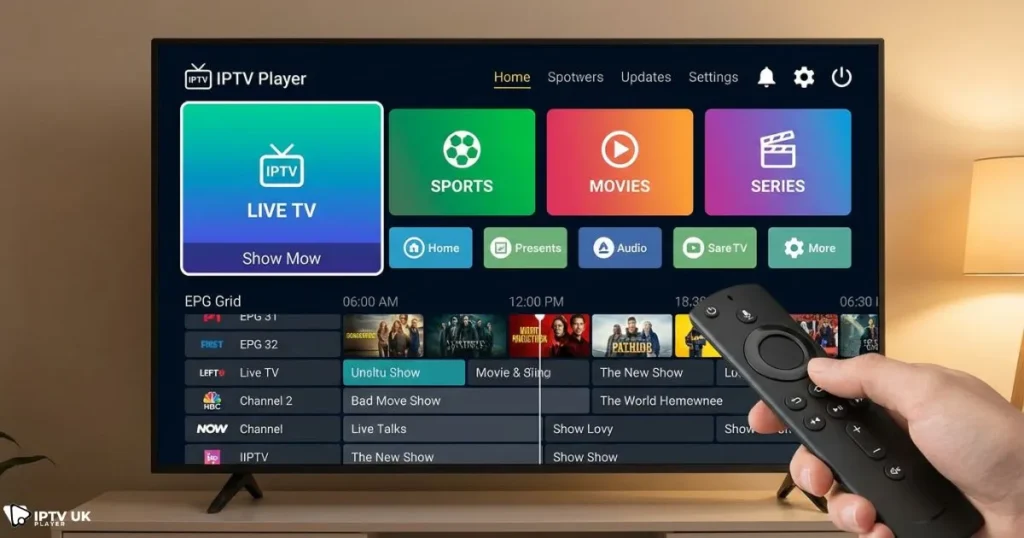
Some users want simplicity. Others want advanced control. Below is a practical comparison of the most trusted options.
| IPTV App | EPG | VOD | Ease of Use | Best For |
|---|---|---|---|---|
| IPTV Smarters Pro | Yes | Yes | Very Easy | Beginners |
| TiviMate | Yes | Yes | Medium | Advanced users |
| XCIPTV Player | Yes | Yes | Easy | Clean interface lovers |
| Flix IPTV | Yes | Yes | Medium | Premium look |
IPTV Smarters Pro: A Reliable Firestick IPTV App
IPTV Smarters Pro is often the first choice for users testing IPTV for the first time. It supports Xtream Codes login, which is the recommended format used by IPTV UK Player. With this iptv player for firestick, you get live TV, movies, series, and an electronic program guide in one place.
- Fast setup with username and password
- Multi screen and parental controls
- Stable performance on all Firestick models
TiviMate: Advanced Control and Premium Experience
If you want customization and a modern TV style interface, TiviMate is a strong option. Many experienced users prefer this iptv player for firestick for daily viewing.
- Highly customizable channel layout
- Powerful EPG management
- Ideal for large channel lists
XCIPTV Player: Lightweight and Fast
XCIPTV Player is designed for speed and simplicity. It is perfect if you want a clean interface without heavy animations, especially on older Firestick devices.
IPTV Firestick Setup: Step by Step Installation Guide
Setting up IPTV on Firestick is easier than most people expect. With the right iptv player for firestick, the entire process takes less than ten minutes.
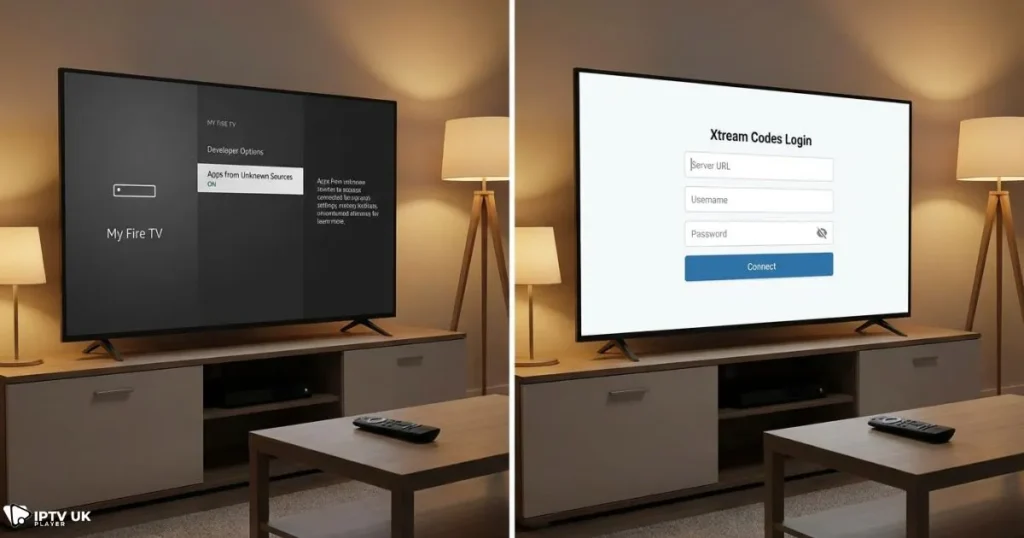
Step 1: Prepare Your Firestick
- Go to Settings
- Open My Fire TV
- Enable Apps from Unknown Sources
Step 2: Install Downloader App
Downloader allows you to install IPTV apps not listed in the Amazon store. It is safe and commonly used.
Step 3: Install Your IPTV App
Enter the official download code or URL provided by your IPTV service and install the app.
Step 4: Add Your IPTV Subscription
Log in using Xtream Codes details. IPTV UK Player provides optimized credentials that work smoothly with every major Firestick IPTV app. If this is your first time, follow a beginner friendly walkthrough from this easy IPTV setup tutorial.
How to Optimize IPTV Performance on Firestick
Even the best iptv player for firestick needs proper optimization to perform at its peak.
Internet Speed Recommendations
- HD streaming: minimum 10 Mbps
- Full HD: minimum 20 Mbps
- 4K content: minimum 40 Mbps
Firestick Optimization Tips
- Clear cache regularly
- Uninstall unused apps
- Restart Firestick once per week
App Settings That Improve Stability
- Enable hardware decoding
- Adjust buffer size
- Auto refresh EPG daily
Understanding IPTV Player Settings for Better Viewing
Advanced settings allow you to fine tune your iptv player for firestick for your personal habits.
EPG Configuration
- Set correct time zone for UK channels
- Enable automatic updates
VOD and Series Controls
- Sort by genre or release date
- Resume playback automatically
Parental Control Features
Most IPTV apps allow you to lock categories with a PIN, making them family friendly.
Common Firestick IPTV Problems and Solutions
Problems usually come from network issues or incorrect settings, not the iptv player for firestick itself.
Buffering Issues
- Check internet speed
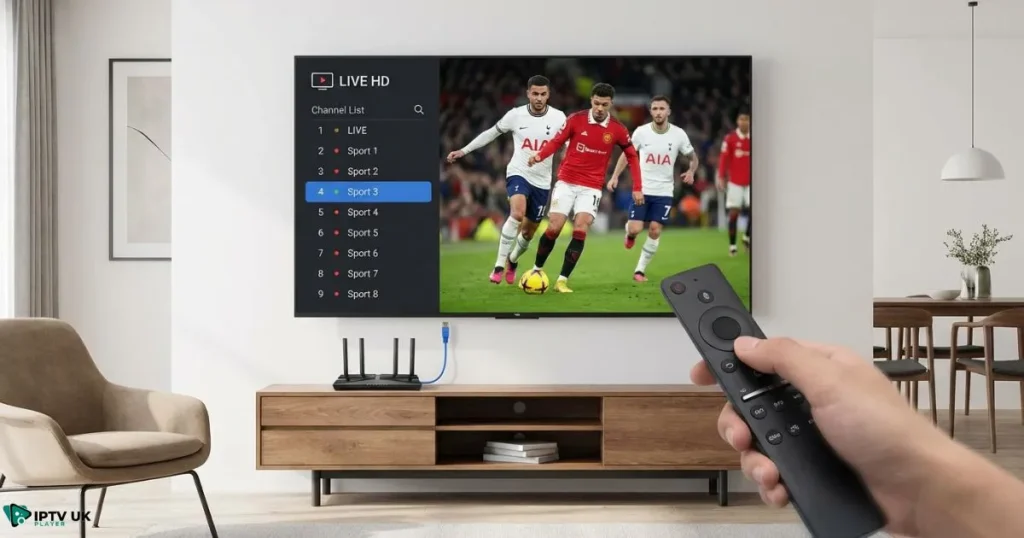
- Switch to wired connection if possible
- Use a trusted VPN optimized for IPTV
You can learn how to protect your connection and unlock stable UK streams using a secure IPTV VPN solution.
Channels Not Loading
- Refresh playlist
- Restart the app
IPTV Player vs IPTV Subscription: Why Both Matter
Your app handles playback, but your subscription controls quality. Even the best iptv player for firestick cannot fix unstable servers. This is why many users choose IPTV UK Player after comparing providers through a trusted UK IPTV comparison.
A premium subscription gives you:
- Stable UK and international channels
- Fast zapping
- Reliable VOD updates
Explore our homepage to see why many viewers consider us the best iptv in uk for Firestick users.
Is Using IPTV on Firestick Legal in the UK
IPTV apps are legal software. The responsibility lies in choosing a reputable provider and using content appropriately. For official guidance on Fire TV devices, you can refer to Amazon Fire TV support resources from Amazon UK Help.
Frequently Asked Questions About IPTV Player for Firestick
What is the best IPTV player for Firestick in the UK
The best option depends on your needs, but IPTV Smarters Pro and TiviMate remain top choices when paired with a reliable service.
Can I use one IPTV subscription on multiple apps
Yes, most subscriptions from IPTV UK Player work across multiple IPTV apps.
How long does IPTV Firestick setup take
With the right iptv player for firestick, setup usually takes under ten minutes.
Does IPTV UK Player offer a free trial
Yes, you can request a 24 to 48 hour IPTV free trial to test compatibility and performance.
Conclusion: Turn Your Firestick Into a Complete TV Solution
Your Firestick is more powerful than you think. With the right iptv player for firestick, correct settings, and a stable subscription, you gain access to live TV, sports, movies, and series in one place. If you are ready to stop guessing and start enjoying smooth streaming, try IPTV UK Player today and experience IPTV the way it should be: simple, fast, and reliable.