Skip to content
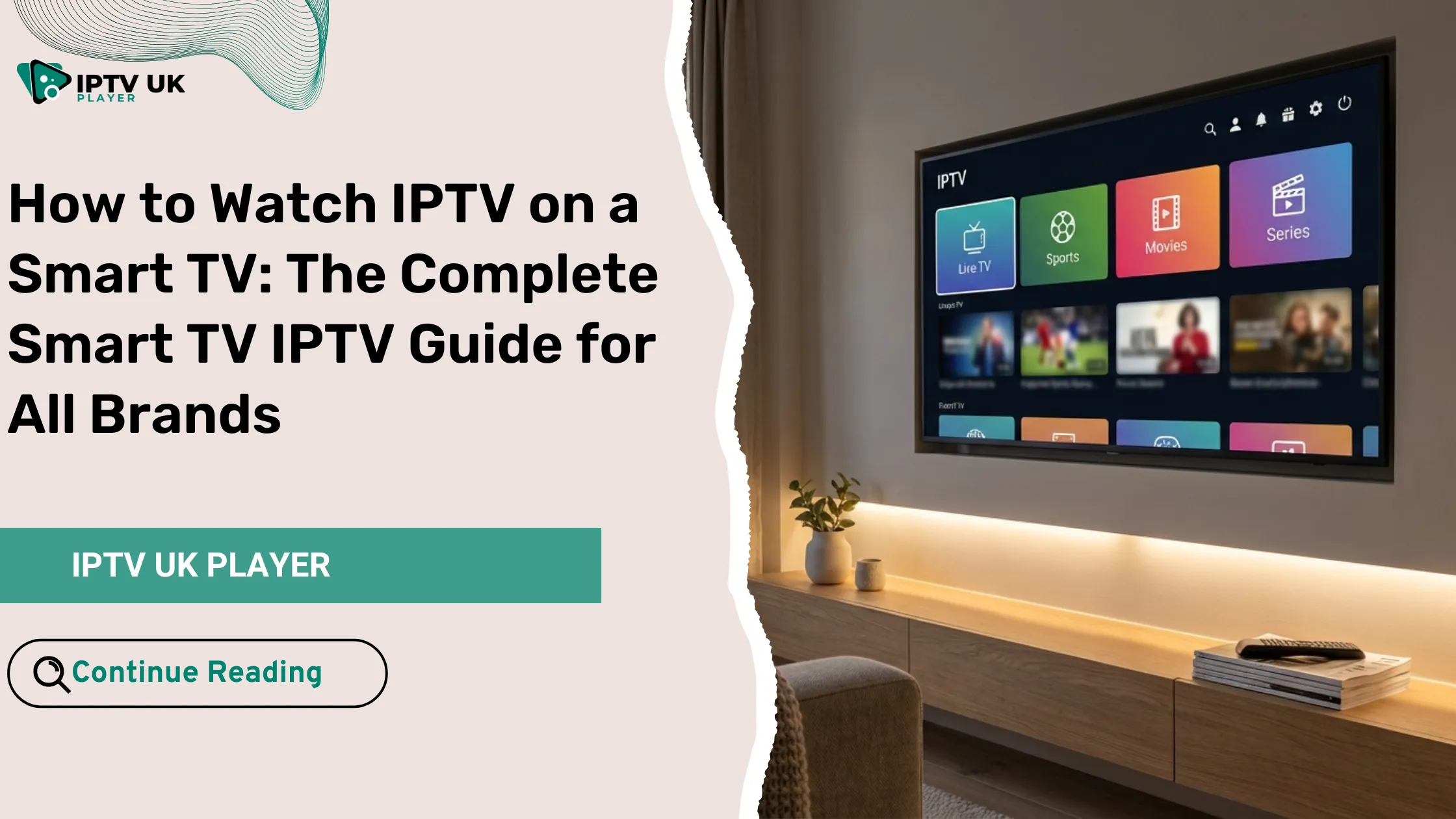
You bought a Smart TV because you wanted freedom. Freedom from cables, freedom from overpriced packages, and freedom to watch what you want, when you want. Yet here you are, scrolling through limited apps, missing channels you care about, and wondering if your TV can really do more. The good news is this: IPTV on a smart tv changes everything. With the right setup, your television becomes a full entertainment hub with live TV, sports, movies, and series from around the world.
If you are looking for a reliable way to enjoy IPTV on a smart tv, this guide is built for you. It walks you through every step in a clear, practical way, no matter which brand you own. Whether you are using Samsung, LG, Sony, Android TV, or another Smart TV, you will learn exactly how to get started. Many users in the UK begin their journey through IPTV UK services because of the flexibility, channel variety, and free trial options available.
By the end of this smart tv iptv guide, you will know how to install IPTV on a smart tv, which IPTV smart tv apps work best, how to fix common issues, and how to get the most value from your subscription.
Table of Contents
What Is IPTV and Why Use IPTV on a Smart TV
Understanding IPTV in Simple Terms
IPTV stands for Internet Protocol Television. Instead of receiving channels through satellite or cable, your TV streams content directly over the internet. This method allows you to access live television, video on demand, and catch-up content using apps designed for Smart TVs.
When you use IPTV on a smart tv, you remove the need for bulky equipment. Everything runs through your internet connection and a dedicated IPTV application.
Why IPTV on a Smart TV Makes Sense
- You use one device instead of multiple boxes
- You get access to thousands of channels
- You can watch UK and international content
- You avoid long contracts and hidden fees
Many users discover IPTV on a smart tv after realizing that cable TV no longer fits their lifestyle. Streaming gives you control, and IPTV gives you variety.
What You Need Before You Install IPTV on a Smart TV
Basic Requirements Checklist
- A Smart TV with app store access
- A stable internet connection
- An IPTV subscription
- An IPTV app compatible with your TV
Recommended Internet Speed
| Streaming Quality | Recommended Speed |
|---|---|
| SD | 5 Mbps |
| HD | 10 Mbps |
| Full HD | 20 Mbps |
| 4K | 30 to 40 Mbps |
A wired Ethernet connection is always more stable, especially when watching IPTV on a smart tv during peak hours.
Best IPTV Smart TV Apps for All Major Brands
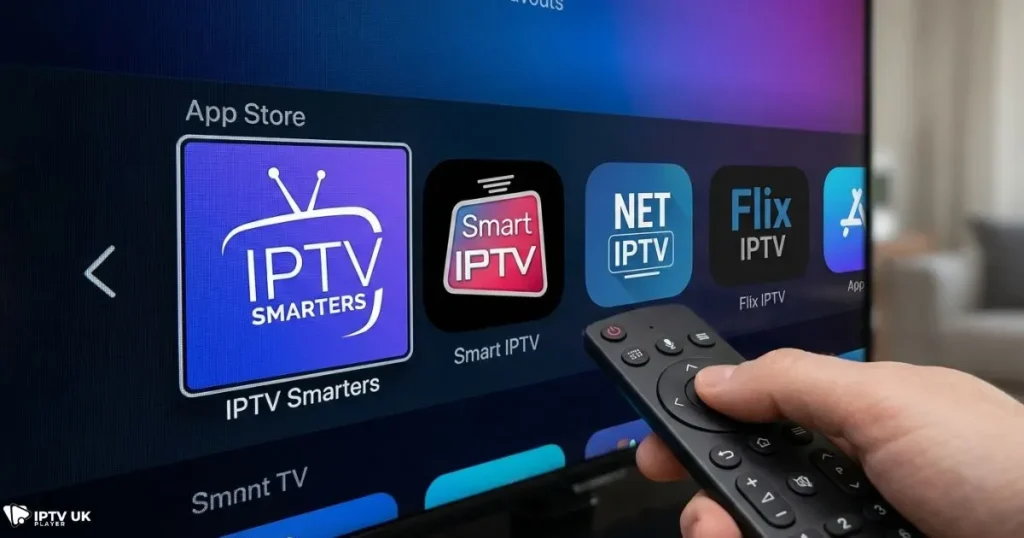
Popular IPTV Apps You Can Trust
- IPTV Smarters
- Smart IPTV
- NET IPTV
- Flix IPTV
- TiviMate
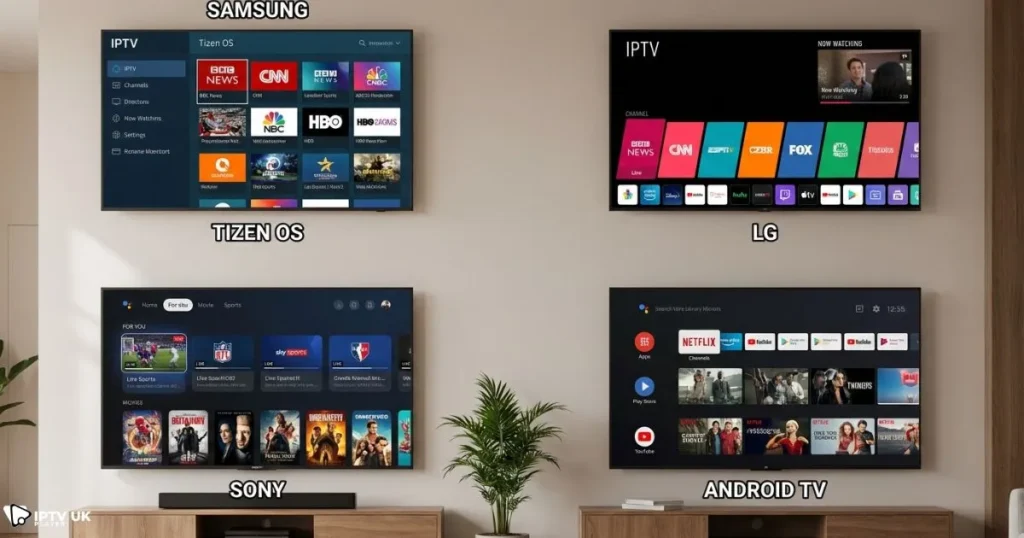
App Compatibility by Smart TV Brand
| Smart TV Brand | Recommended Apps |
|---|---|
| Samsung | Smart IPTV, NET IPTV |
| LG | Smart IPTV, Flix IPTV |
| Android TV | IPTV Smarters, TiviMate |
| Sony | IPTV Smarters |
Choosing the right IPTV smart tv apps is essential for smooth playback and easy navigation.
How to Install IPTV on Samsung Smart TV
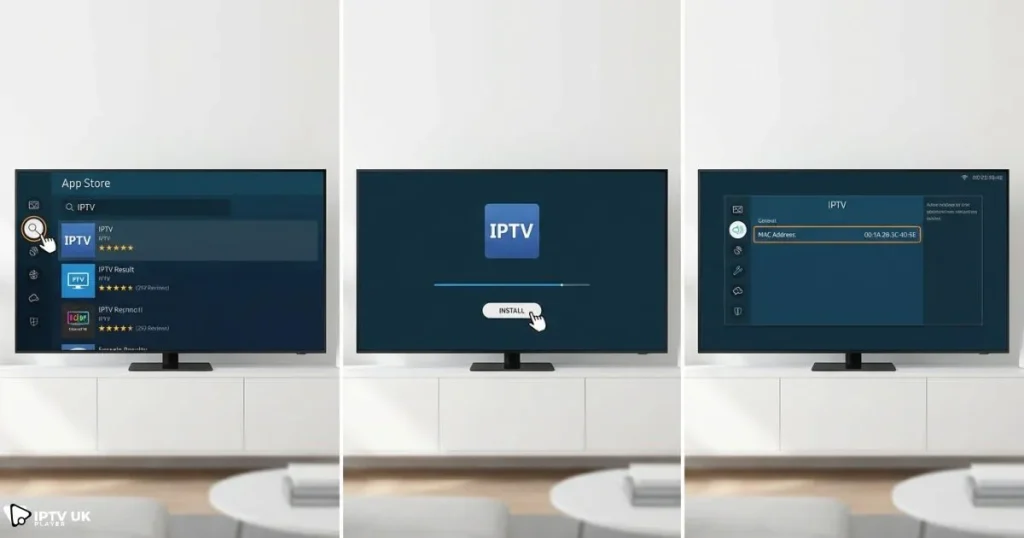
Step by Step Samsung Setup
- Open the Samsung App Store
- Search for Smart IPTV or NET IPTV
- Install and launch the app
- Write down the MAC address shown
- Upload your playlist using your provider dashboard
Once configured, IPTV on a smart tv like Samsung delivers a clean and responsive experience.
How to Install IPTV on LG Smart TV
LG webOS IPTV Setup
- Open the LG Content Store
- Install Smart IPTV or Flix IPTV
- Open the app and note the MAC address
- Upload your IPTV playlist
This smart tv iptv setup works smoothly for most LG models released in recent years.
How to Watch IPTV on Android TV and Google TV
Supported Android TV Brands
- Sony
- TCL
- Philips
- Hisense
Installing IPTV Apps from Google Play
- Open Google Play Store
- Search for IPTV Smarters
- Install the app
- Log in using Xtream Codes or M3U
If you are unfamiliar with login methods, this detailed guide on setting up Xtream login credentials can help: Xtream IPTV setup process.
Using External Devices with a Smart TV
When an External Device Is Useful
- Your TV app store does not support IPTV apps
- You want better performance
- Your TV model is older
Popular External Devices
- Amazon Firestick
- Android TV Box
- NVIDIA Shield
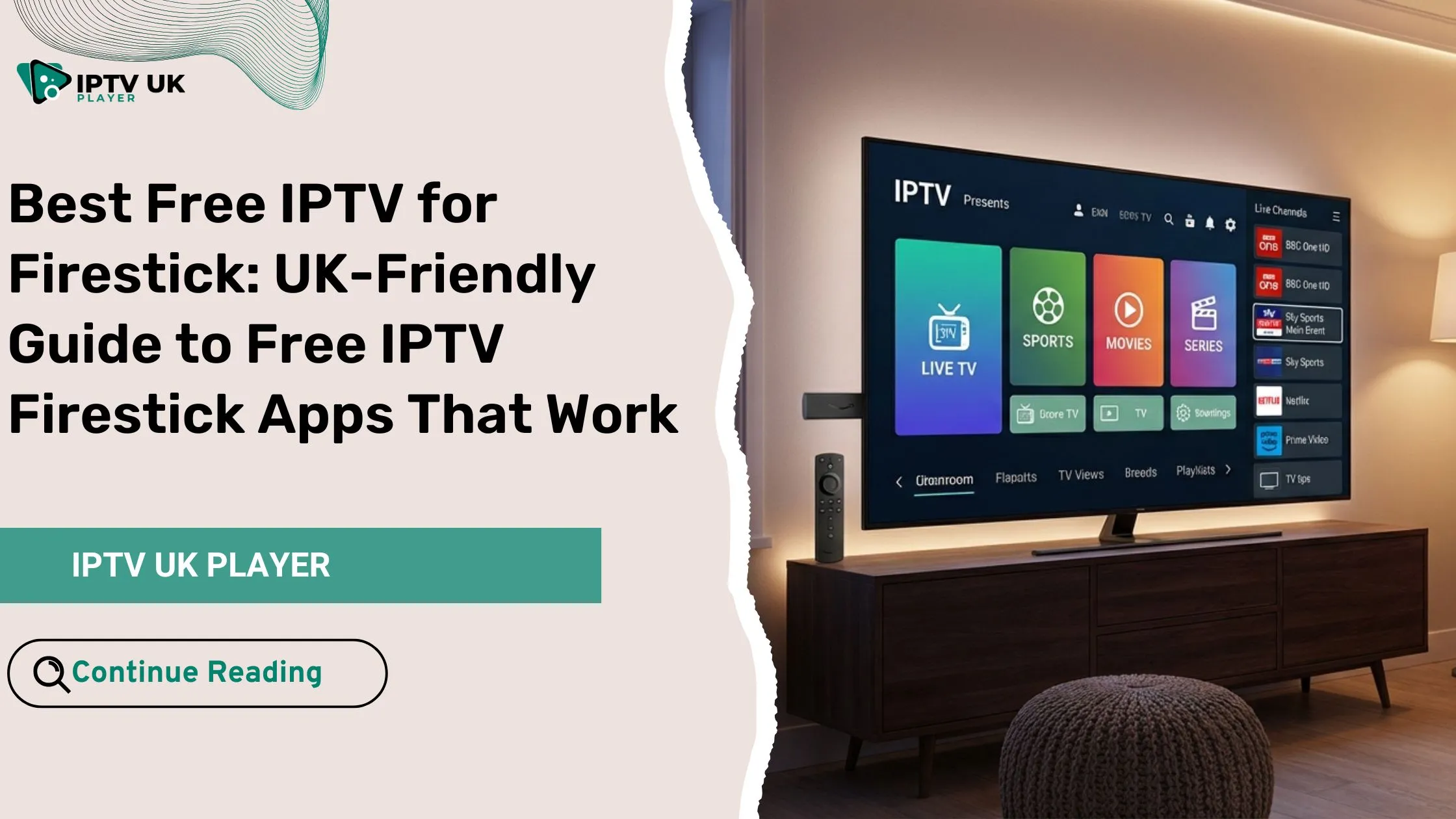
If you are using Firestick, you can explore the most reliable IPTV app options for Firestick users to improve stability and interface.
Setting Up IPTV UK Player on Your Smart TV
What You Get with IPTV UK Player
- UK and international channels
- Live sports and football leagues
- Movies and TV series
- EPG and VOD support
Many UK sports fans rely on IPTV to follow local competitions such as regional football leagues without missing matches.
Activation Methods
- M3U playlist URL
- Xtream Codes login
IPTV on a smart tv becomes extremely easy once credentials are entered correctly.
Common IPTV Problems on Smart TVs and How to Fix Them
Buffering Issues
- Check your internet speed
- Switch to Ethernet
- Restart your router
App Not Loading
- Clear cache
- Reinstall the app
- Try a different IPTV app
Is IPTV Legal in the UK
IPTV technology itself is legal. What matters is the source of the content. Always choose a provider that respects content delivery standards and operates transparently. For official information, you can review guidance from trusted organizations such as Ofcom.
Frequently Asked Questions About IPTV on a Smart TV
Can you watch IPTV on a smart tv without a box
Yes, most modern Smart TVs support IPTV apps directly.
What is the best IPTV app for Smart TVs
It depends on your TV brand, but IPTV Smarters and Smart IPTV are widely used.
Does IPTV on a smart tv work with Wi-Fi
Yes, but Ethernet offers better stability.
Can one subscription work on multiple TVs
This depends on the plan you choose.
Conclusion: Turn Your Smart TV into a Complete Entertainment Hub
Your Smart TV already has the power. IPTV simply unlocks it. With the right app, a stable connection, and a trusted provider, IPTV on a smart tv gives you control over what you watch and when you watch it.
If you are ready to upgrade your viewing experience, exploring IPTV UK options can be the next step. With flexible plans and free trial access, you can test everything before committing.
Once you experience the freedom and variety IPTV brings, going back to traditional TV feels unnecessary. Your Smart TV is ready. Now it is your turn to use it properly.