Trying to access live TV, sports, movies, and international channels should feel exciting, not stressful. Yet many users struggle with confusing setup screens, incorrect credentials, and apps that do not connect properly. If you want a smooth start with your streaming service, learning how to complete your iptv login correctly is essential. When you choose a reliable provider like Best IPTV, your experience becomes faster, more stable, and far more enjoyable. This guide walks you through every step so you can sign in confidently, avoid common errors, and start watching instantly.
Whether you are setting up IPTV for the first time or switching to a better provider, this complete tutorial helps you understand IPTV login credentials, IPTV player login methods, and exactly how to log into IPTV on any device. By the end of this guide, you will have a clear path to seamless streaming and a strong reason to activate your free trial or subscription.
Table of Contents
What IPTV Login Means and Why It Matters for Your Streaming Experience
Your iptv login is the gateway that connects your device to your IPTV provider’s servers. Without a successful login, your channels, movies, and on-demand content simply cannot load. Unlike traditional cable, IPTV works through internet authentication, which means your username, password, and server URL must be entered accurately.
Understanding IPTV Login Credentials
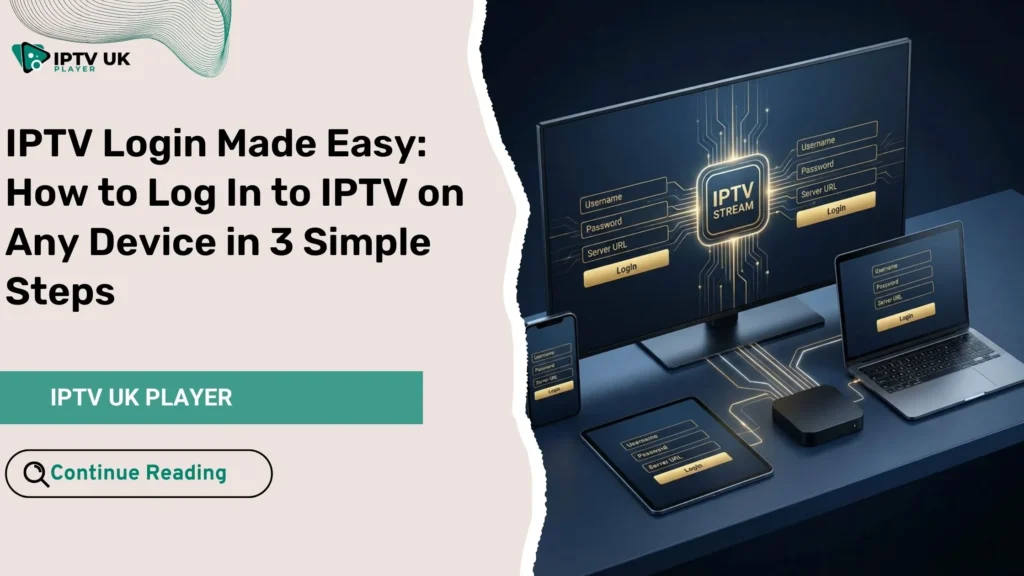
When you subscribe or request a free trial, you receive IPTV login credentials. These typically include:
- Username: Your unique account identifier.
- Password: Your secure access key.
- Server URL: The address that connects your app to the IPTV network.
Some providers also offer an M3U playlist or MAC-based portal login, depending on your device and player.
Why Correct IPTV Player Login Is Important
- Ensures fast channel loading and minimal buffering.
- Unlocks the full channel list and video library.
- Allows electronic program guide synchronization.
- Prevents account lockouts caused by repeated failed attempts.
A properly configured IPTV player login saves time and eliminates unnecessary frustration.
What You Need Before Logging Into IPTV
Preparing your setup in advance ensures your iptv login works smoothly from the first attempt.
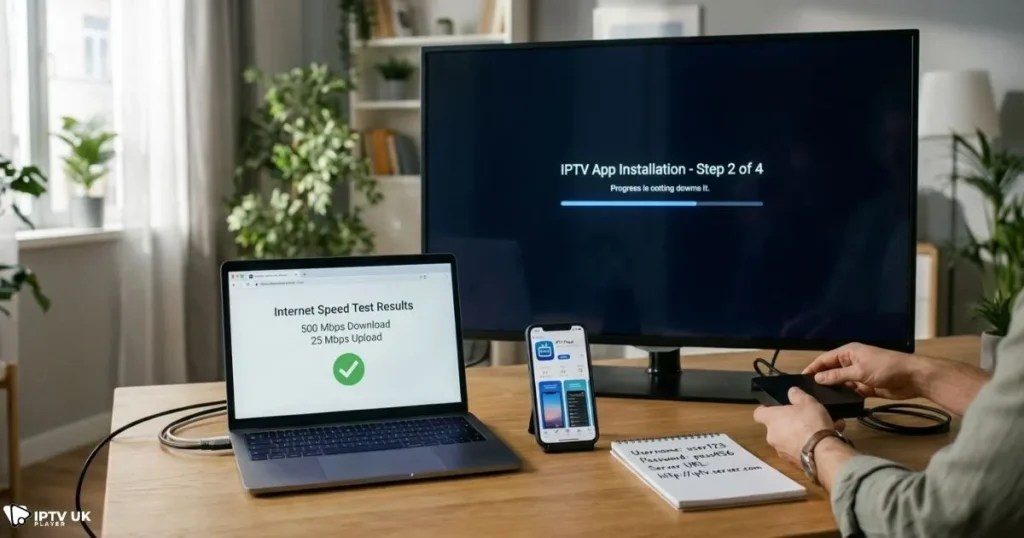
Basic Requirements Checklist
- Active IPTV subscription or free trial.
- Your IPTV login credentials.
- Stable internet connection.
- A compatible IPTV player app.
- A supported device.
Recommended Internet Speed
| Streaming Quality | Recommended Speed |
|---|---|
| SD | 5 Mbps |
| HD | 10 Mbps |
| Full HD | 20 Mbps |
| 4K | 30+ Mbps |
According to broadband performance data published by Ofcom, consistent speeds above 20 Mbps significantly reduce buffering during high-definition streaming.
Recommended IPTV Player Apps
Choosing a reliable player makes IPTV player login easier and more stable. Popular options include:
- IPTV Smarters Pro
- TiviMate
- XCIPTV
- Smart IPTV
- VLC Media Player
You can explore more options in this guide about reliable IPTV player apps.
How to Log In to IPTV on Any Device in 3 Simple Steps
This section shows you exactly how to complete your iptv login without confusion.
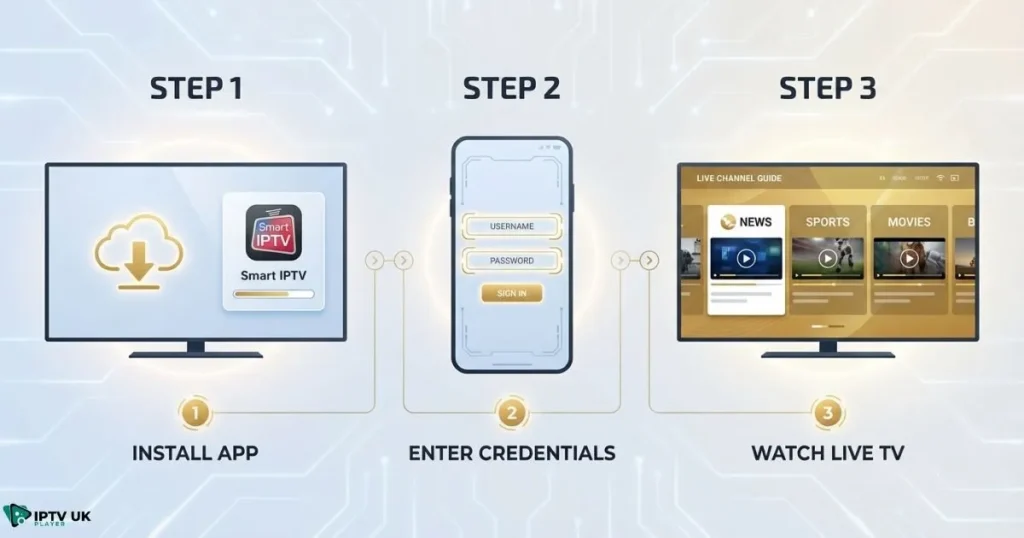
Step 1: Install an IPTV Player App on Your Device
Smart TVs
- Open your TV app store.
- Search for IPTV Smarters Pro or Smart IPTV.
- Install the app.
Mobile Devices
- Visit Google Play Store or Apple App Store.
- Download your preferred IPTV player.
Streaming Devices
- Use Downloader on Firestick to install the APK.
- Enable unknown sources if required.
Computers
- Install VLC or MyIPTV Player.
Step 2: Enter IPTV Login Credentials Correctly
This step determines whether your IPTV sign in succeeds or fails.
| Login Method | Required Fields | Best Use Case |
|---|---|---|
| Xtream Codes | Username, Password, Server URL | Most users |
| M3U Playlist | Playlist URL | Advanced users |
| Portal Login | MAC Address | MAG devices |
Double-check spelling, avoid extra spaces, and confirm capitalization before saving.
Step 3: Complete IPTV Sign In and Start Watching
- Wait for channels to load.
- Verify EPG synchronization.
- Test a few live channels.
- Create favorites.
Once complete, your iptv login is active and ready.
Device-Specific IPTV Login Tutorials
How to Log Into IPTV on Smart TV
Smart TVs require remote navigation and careful input of credentials.
How to Log Into IPTV on Firestick
Enable unknown sources, install Downloader, and follow on-screen prompts.
How to Log Into IPTV on Android and iPhone
Install from official stores and use Xtream Codes login.
How to Log Into IPTV on PC or Laptop
Use VLC or MyIPTV Player and paste your playlist URL.
If you use Android hardware frequently, this tutorial on Android Box IPTV setup provides deeper optimization tips.
Common IPTV Login Problems and How to Fix Them
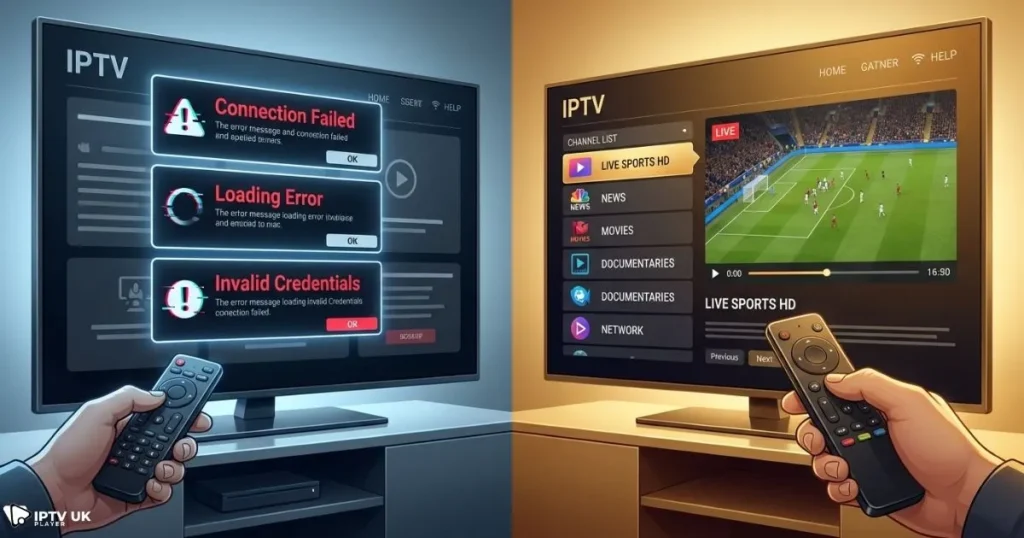
Invalid IPTV Login Credentials
- Re-enter details carefully.
- Confirm account status.
IPTV Player Login Stuck on Loading
- Clear cache.
- Restart device.
IPTV Sign In Failed or Timeout
- Check internet speed.
- Disable VPN temporarily.
Channels Not Loading
- Refresh playlist.
- Contact support.
Choosing a reputable provider reduces these issues significantly. Many users compare providers using resources like trusted IPTV service comparisons to ensure reliability.
Security Tips for Protecting Your IPTV Login Credentials
- Do not share credentials.
- Avoid public Wi-Fi.
- Update passwords periodically.
- Use trusted apps only.
For additional online safety guidance, you can reference cybersecurity recommendations published by the UK National Cyber Security Centre.
Why IPTV UK Player Delivers Reliable IPTV Login Performance
When your service quality is consistent, your iptv login becomes effortless. IPTV UK Player offers fast activation, stable servers, and responsive support. You benefit from multi-device compatibility, premium channel access, and minimal buffering.
If you are evaluating providers, this breakdown of high-performance IPTV solutions highlights why IPTV UK Player continues to lead in reliability.
Free Trial and Subscription Benefits
- 24 to 48-hour IPTV free trial.
- Instant IPTV sign in delivery.
- Multi-device support.
- Affordable subscription plans.
Many customers switch after experiencing how simple their IPTV player login becomes with stable servers.
Frequently Asked Questions About IPTV Login
How does the sign-in process work on streaming apps?
Your IPTV login authenticates your account and connects your device to live channels.
Where are my access details sent after purchase?
You receive them after purchasing a plan or activating a free trial.
Can I use the same account on multiple devices?
It depends on your subscription plan.
What should I do if IPTV sign in fails?
Verify credentials and internet connection.
Is IPTV login secure?
Yes, when you follow best practices and use trusted providers.
Which IPTV player login is easiest for beginners?
Xtream Codes is the most user-friendly option.
Conclusion: Start Your IPTV Login Today
Your streaming experience improves dramatically when your iptv login is configured correctly. By following the steps outlined above, you eliminate errors, save setup time, and enjoy uninterrupted entertainment. When you select a dependable provider like Best IPTV, your connection stays stable across all devices.
Now is the perfect time to activate your free trial, test the platform, and experience reliable IPTV sign in performance firsthand. Visit Best IPTV today and unlock premium entertainment instantly.