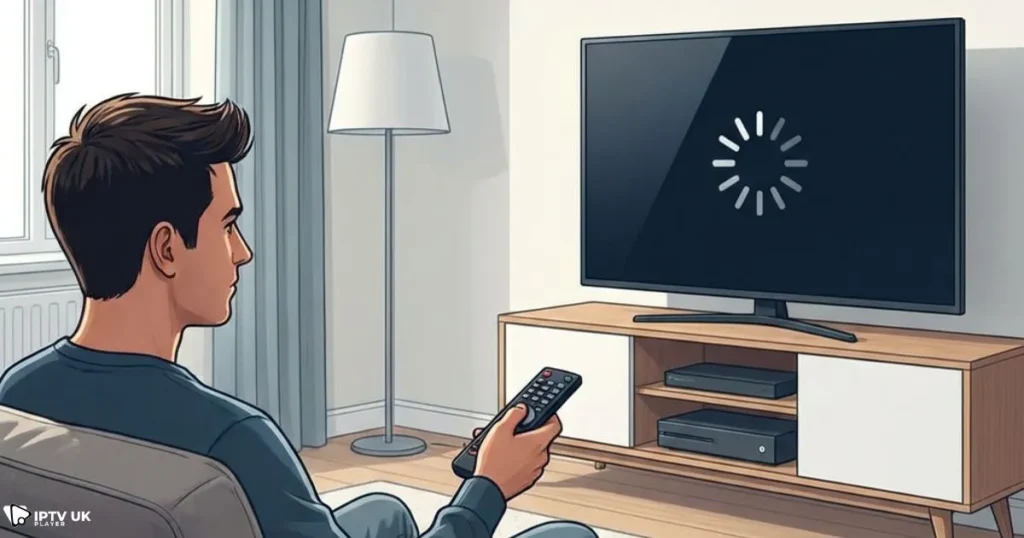
You finally sit down after a long day, open your IPTV app, and instead of relaxing, you are faced with buffering, error messages, or a black screen. If you are thinking that iptv is not working again, you are not alone. Many users across the UK experience IPTV problems daily, even when their internet seems fine. In most cases, the issue is not as serious as it looks, and with the right steps, you can fix it quickly and get back to watching your favorite channels. Choosing the Best iptv service is often the first step toward a stable and enjoyable experience.
This guide is written to help you understand exactly why iptv is not working on your device and what you can do about it. You will find practical IPTV troubleshooting steps, clear explanations of common IPTV errors UK users face, and proven IPTV fixes that actually work. Everything is explained in simple terms, so you can follow along even if you are not technical.
Table of Contents
Understanding How IPTV Works and Why Issues Happen
What IPTV Really Is
IPTV stands for Internet Protocol Television. Instead of receiving TV channels through satellite or cable, your content is delivered over the internet. This allows you to watch live TV, movies, and series on multiple devices such as Smart TVs, Firestick, Android phones, iPhones, tablets, and computers.
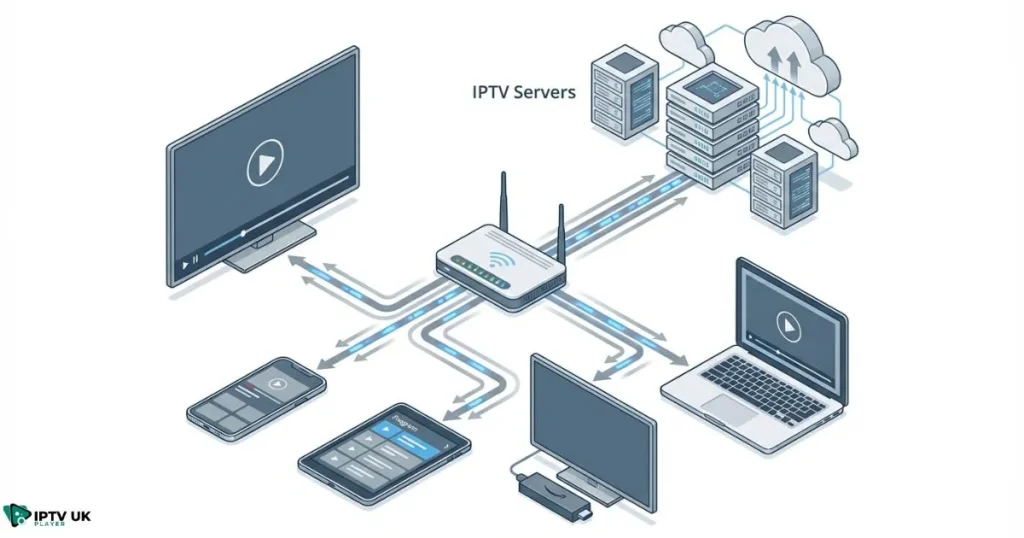
Because IPTV depends entirely on your internet connection, apps, and servers, even a small issue in one of these areas can cause problems. This is why many users suddenly feel that iptv is not working, even if it worked perfectly yesterday.
Why IPTV Is Sensitive to Problems
- Your internet speed and stability directly affect streaming quality.
- Your device and IPTV app must be compatible and up to date.
- The IPTV provider servers must handle high traffic, especially during peak hours.
- Some UK internet providers limit or throttle IPTV traffic.
When all these elements work together, IPTV runs smoothly. When one fails, issues appear.
Most Common Reasons IPTV Is Not Working
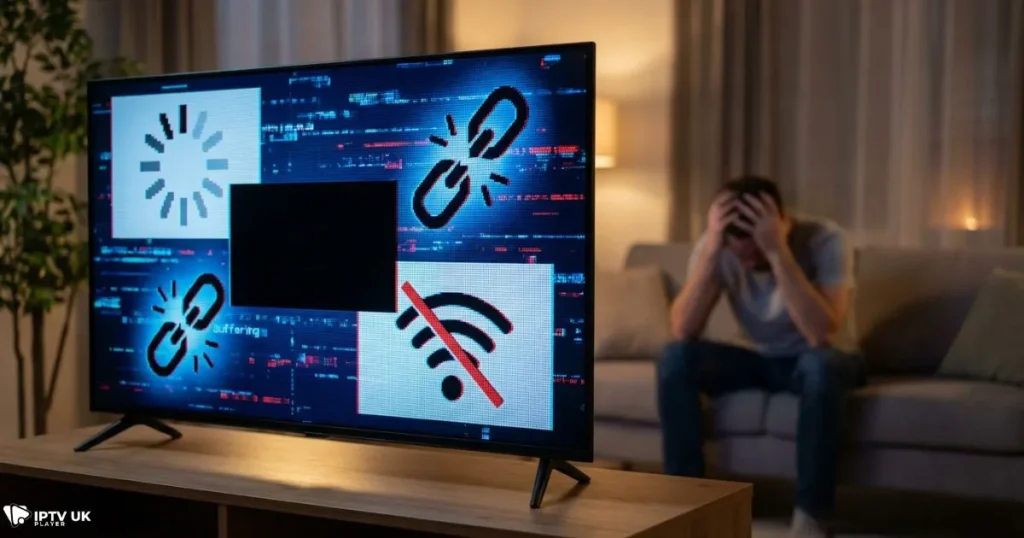
IPTV Not Loading or Showing a Black Screen
One of the most frequent complaints is that the app opens, but nothing plays. In many cases, iptv is not working because the playlist is outdated or the subscription has expired.
- Expired IPTV account
- Incorrect M3U link or Xtream Codes details
- Temporary server maintenance
Reloading the playlist and restarting the app usually fixes this issue.
Constant Buffering Even with Fast Internet
If channels keep freezing, buffering, or stopping, the problem is rarely your internet speed alone. IPTV errors UK users report are often linked to ISP throttling during busy hours.
Using a reliable VPN can make a big difference by preventing your ISP from limiting IPTV traffic.
Login and Authentication Errors
Error messages like “invalid username or password” are common. This does not always mean your details are wrong. Sometimes iptv is not working because:
- There is an extra space when copying credentials.
- The account has expired.
- The provider limits the number of simultaneous connections.
Missing Channels or Empty Categories
If some channels disappear or categories do not load, it is usually a playlist or app cache issue. Clearing the cache or updating the playlist often solves this quickly.
IPTV Troubleshooting by Device
Smart TV IPTV Issues
Smart TVs are popular for IPTV, but they are also sensitive to app compatibility. If iptv is not working on your Samsung, LG, or Android TV:
- Restart the TV completely.
- Update or reinstall the IPTV app.
- Check if the app supports your TV operating system.
Firestick and Fire TV Problems
Firestick users often experience freezing or apps not opening. These IPTV fixes usually help:
- Clear app cache and data.
- Restart the Firestick.
- Ensure the Fire OS is updated.
IPTV Not Working on Mobile Devices
If you notice that iptv is not working on your Android or iPhone:
- Disable battery optimization for the IPTV app.
- Allow background data usage.
- Test both Wi-Fi and mobile data.
IPTV Issues on PC or Laptop
On computers, IPTV is often watched using VLC or web players. Make sure your software is updated and that your firewall is not blocking the stream.
IPTV Errors UK Users Face Most Often
ISP Blocking and Throttling
In the UK, some internet providers slow down IPTV traffic, especially during evenings and weekends. This leads many people to believe iptv is not working when the real issue is network restriction.
According to guidance from Ofcom, internet traffic management can affect streaming quality during peak hours, which explains why IPTV performance can vary.
How a VPN Helps IPTV Performance
A VPN hides your streaming activity from your ISP and often improves stability. For IPTV troubleshooting, a VPN is one of the most effective tools available.
IPTV App Problems and Solutions
Outdated IPTV Apps
Apps that are not updated regularly may stop working with new server settings. If iptv is not working, always check for updates first.
Choosing the Right IPTV Player
Using a stable IPTV player improves your experience significantly. You can explore the best IPTV apps for fast setup on multiple devices to ensure compatibility and smooth streaming.
Subscription Quality Matters More Than You Think
Expired or Low-Quality Subscriptions
Many IPTV issues come from unreliable providers. Cheap services often overload their servers, leading users to think that iptv is not working all the time.
Understanding the benefits of a stable service is essential. A reliable UK IPTV subscription with strong server infrastructure reduces buffering and downtime.
Why IPTV UK Player Stands Out
IPTV UK Player focuses on stability, speed, and compatibility. With optimized UK and European servers, most IPTV errors UK users face are avoided.
You can also read more about choosing a provider by exploring this guide on how to select a reliable IPTV service in the UK.
Using a Free Trial to Test IPTV Properly
Before committing to any subscription, testing is crucial. IPTV UK Player offers a 24 to 48-hour free trial so you can confirm that channels load correctly and that iptv is not working is no longer a concern.
This approach allows you to test:
- Streaming stability
- Device compatibility
- Channel availability
Quick IPTV Fix Checklist
- Restart your device and router.
- Check if your IPTV subscription is active.
- Reload or update your playlist.
- Update the IPTV app.
- Use a VPN to avoid ISP throttling.
- Test another IPTV player.
Following these steps solves most cases where iptv is not working.
Frequently Asked Questions About IPTV Problems
Why is IPTV not working even with fast internet?
This usually happens due to ISP throttling, server overload, or app issues rather than your internet speed.
Why does IPTV stop working at night?
Peak-hour congestion is common in the UK. This is when many users report that iptv is not working.
Can changing the IPTV app fix the problem?
Yes, using a better optimized player often improves performance.
How do I know if my IPTV account is expired?
If channels stop loading or login errors appear, your subscription may have ended.
Conclusion: Get Your IPTV Working Again
When you understand the real reasons behind IPTV problems, fixing them becomes much easier. In most cases, iptv is not working because of simple issues like app settings, network restrictions, or low-quality providers.
By following the IPTV troubleshooting steps in this guide and choosing a reliable service, you can enjoy smooth streaming without frustration. For consistent performance, strong UK channel coverage, and responsive support, consider switching to the Best iptv solution available today.
If you want to avoid future issues and experience stable IPTV across all your devices, start with a free trial and see the difference for yourself. Reliable streaming starts with the right choice, and making that choice today can save you hours of frustration tomorrow.