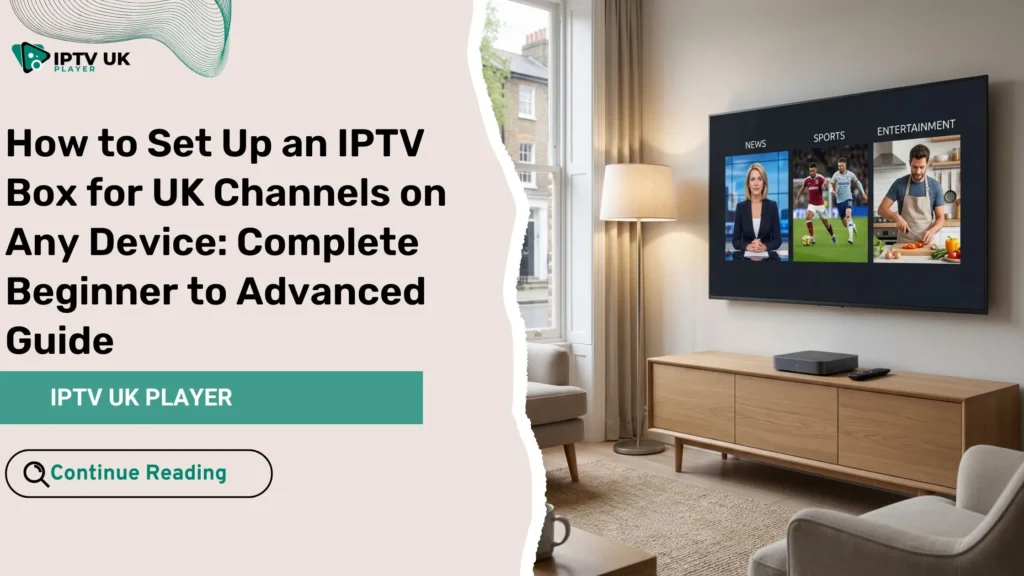
You have probably been there before. You sit down after a long day, turn on your TV, and realize that the channels you actually want to watch are locked behind expensive contracts or complicated hardware. This is where an iptv box quietly changes everything. Instead of being tied to traditional TV limitations, you gain freedom, flexibility, and control over what you watch and how you watch it.
When you combine the right setup with a reliable provider like Best IPTV, you are no longer restricted to one screen or one location. You can enjoy UK channels across multiple devices, with better quality and far more choice. This guide is written for you if you want a clear, practical, and reliable way to set up your IPTV system without confusion or wasted time.
By the end of this article, you will know exactly how to choose, install, and optimize your IPTV solution so it works smoothly on any device you own.
Table of Contents
What Is an IPTV Box and Why It Matters
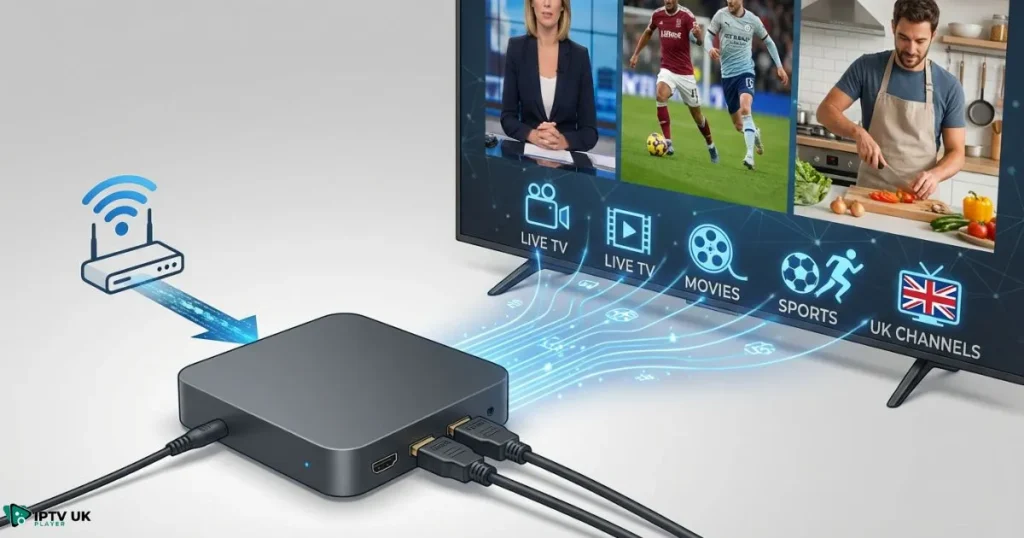
An iptv box is a compact streaming device that delivers television content through your internet connection instead of satellite or cable. This shift may sound small, but it changes how TV fits into your daily life.
How IPTV Technology Works
Instead of broadcasting signals, IPTV delivers channels using data streams. Your device connects to servers that host live TV, movies, and series. This allows you to access:
- Live UK television channels
- On-demand movies and series
- Catch-up TV and replay features
With a stable connection, the experience feels just like traditional TV, but with far more control.
Why UK Viewers Prefer IPTV
In the UK, many viewers move to IPTV because of rising cable costs and limited flexibility. IPTV lets you watch British channels on your terms, whether you are at home or traveling.
Industry research from Ofcom shows a steady rise in internet-based television usage across the UK, driven by affordability and convenience.
Choosing the Best IPTV Box for UK Channels
Your experience depends heavily on the device you choose. Not every streaming device performs the same, especially when it comes to IPTV.
Android IPTV Box: The Most Flexible Option
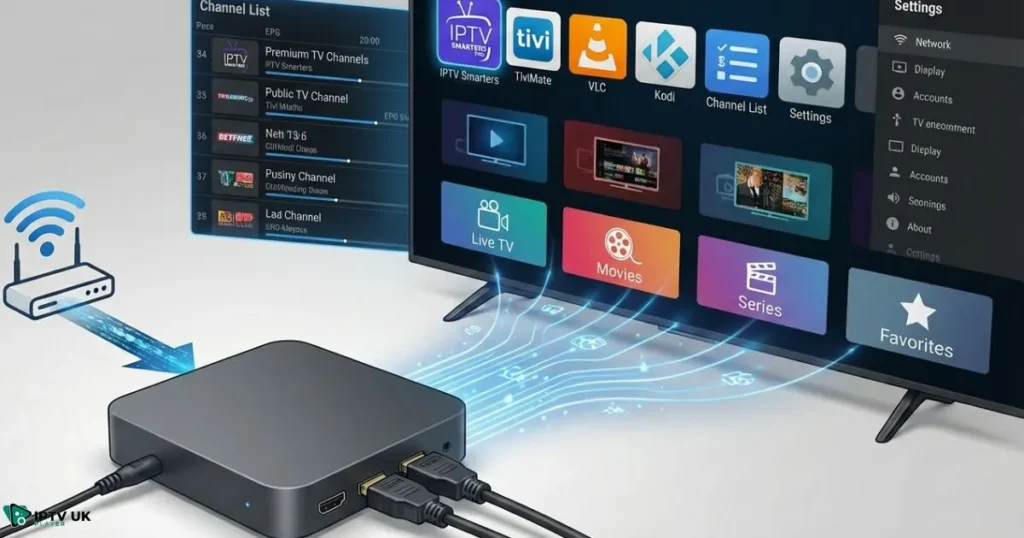
An android iptv box is often the preferred choice because it supports a wide range of IPTV apps and advanced settings. You can install popular players, customize layouts, and adjust performance options easily.
Recommended Android-based devices include:
- NVIDIA Shield TV for power users
- Formuler Z series for IPTV-focused features
- Xiaomi Mi Box for budget-friendly setups
MAG Boxes for Simplicity
If you prefer minimal setup, MAG boxes provide a straightforward experience. They are designed specifically for IPTV and use portal-based connections. This option works well if you want a plug-and-play approach.
Comparison of Popular IPTV Devices
| Device Type | Ease of Setup | Performance | Best For |
|---|---|---|---|
| Android IPTV Box | High | Excellent | Advanced users |
| MAG Box | Medium | Very Good | Beginners |
| Firestick | High | Very Good | Portable setups |
What You Need Before IPTV Box Setup
Before starting your iptv box setup, make sure you have the essentials ready. Preparation saves time and avoids common errors.
Basic Requirements
- A compatible IPTV device
- Stable internet connection
- An active IPTV subscription
Internet Speed Guidelines
Your streaming quality depends on your connection speed:
- SD content: at least 5 Mbps
- HD content: 10 Mbps or more
- 4K content: 25 Mbps or higher
Why Provider Quality Matters
Even the best device struggles with poor service. Choosing a trusted provider ensures stability, clear channels, and responsive support. Many users compare options through guides such as reliable IPTV subscription services in the UK before deciding.
Step by Step IPTV Box Setup for UK Channels
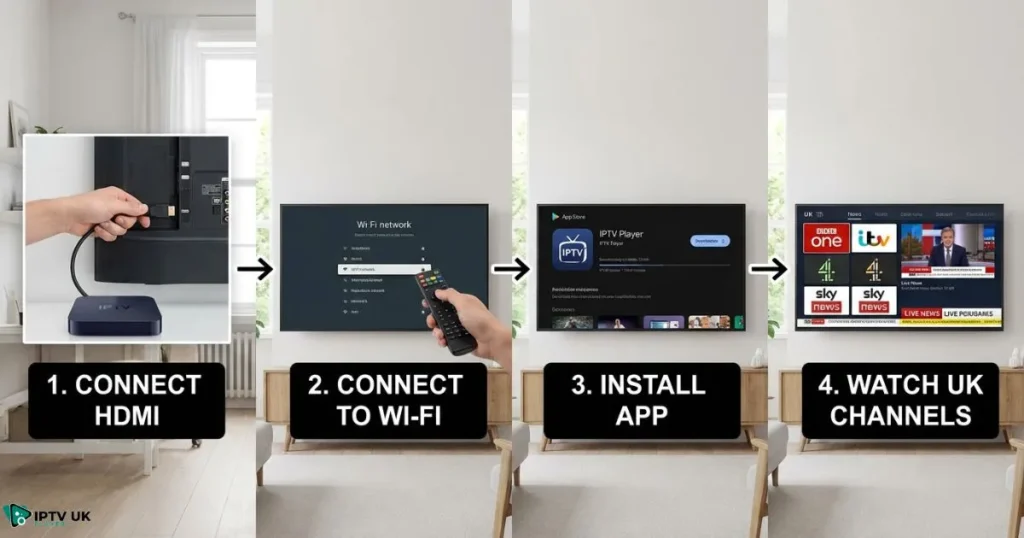
Setting up an iptv box is simpler than most people expect. Follow these steps carefully, and you will be watching UK channels within minutes.
Step 1: Connect Your IPTV Box
- Connect the device to your TV using HDMI
- Link to the internet via Wi-Fi or Ethernet
- Power on the device and complete initial setup
Step 2: Install an IPTV Player App
On Android devices, install a reliable IPTV player such as IPTV Smarters or TiviMate. These apps allow easy login and channel organization.
Step 3: Add Your IPTV Credentials
Enter the login details provided by your IPTV service. This usually includes a username, password, and server URL.
Step 4: Load Channels and EPG
Once logged in, your channels will load automatically. Enable the electronic program guide so you can see schedules for UK content.
Step 5: Optimize Settings
Adjust buffering and playback options for smoother streaming. A properly optimized iptv box setup reduces interruptions and improves picture quality.
Using an IPTV Box on Any Device
One advantage of IPTV is flexibility. You are not limited to one screen.
Smart TVs
Many Smart TVs support IPTV apps directly. This allows you to use IPTV without external hardware, although a dedicated iptv box often delivers better performance.
Firestick and Mobile Devices
Firestick, Android phones, tablets, and even PCs can access IPTV apps. This makes IPTV ideal for multi-device households.
Common IPTV Box Problems and Solutions
Even reliable systems may face occasional issues. Most problems have simple fixes.
Buffering Issues
Check your internet speed and reduce background usage. Adjust app buffering settings if needed.
Channels Not Loading
Refresh your playlist or verify login details. Service-side updates may require reloading.
No EPG or Sound
Check timezone settings and switch audio decoders within the app.
Why IPTV UK Player Is a Trusted Choice
Choosing the right provider makes a major difference. IPTV UK Player focuses on UK viewers who want consistency and quality.
UK Channel Coverage
You gain access to major British channels, including sports, entertainment, and news.
Streaming Quality and Stability
High-quality servers support HD and 4K content. Many users evaluate performance by reviewing important IPTV performance features before subscribing.
Flexible Plans and Free Trial
You can test the service with a 24 to 48-hour free trial before committing. This ensures compatibility with your iptv box and internet connection.
Legal and Safety Considerations in the UK
When using IPTV, always choose reputable services and understand local regulations. Responsible use and secure connections help protect your privacy and viewing experience.
Frequently Asked Questions About IPTV Box
What is the best for UK channels?
The best option depends on your needs. Android devices are often preferred for flexibility and app support.
Can one IPTV box work on multiple devices?
Your subscription determines this. Many plans allow multiple connections.
How long does IPTV box setup take?
In most cases, setup takes less than 15 minutes.
Does IPTV UK Player support different devices?
Yes, the service works across Android, Smart TVs, Firestick, and more.
Final Thoughts: Is an IPTV Box Right for You?
If you value choice, affordability, and convenience, an iptv box offers a practical solution for modern TV viewing. You control what you watch, when you watch it, and on which device.
By pairing the right device with a trusted provider like Best IPTV, you remove unnecessary limits from your entertainment experience. Many viewers explore options through resources such as top IPTV services for British viewers and reliable UK IPTV providers before making a decision.
Now is the right time to experience IPTV for yourself. Test the service, set up your device, and enjoy UK channels the way they were meant to be watched.
Start today with Best IPTV and take advantage of the free trial to see the difference on your own screen.