 Skip to content
You finally sit down, ready to enjoy your favorite channels, movies, or live sports. But instead of smooth streaming, you are stuck trying to figure out settings, login errors, or confusing apps. If that sounds like your situation, you are not alone. Many users struggle with the xtream iptv app even though it is one of the most powerful IPTV solutions available today. The good news: once you understand how it works, everything becomes simple. If you are looking for the best iptv in uk, mastering this system is essential.
This complete guide will walk you through everything you need to know about the xtream iptv app, from login credentials to full setup across all devices. By the end, you will be able to stream content smoothly without confusion.
Table of Contents
What is Xtream IPTV App and How Does Xtream Codes IPTV Work?
The xtream iptv app is not just a single application. It refers to a system that allows IPTV services to deliver content using a structured login method known as Xtream Codes API. Instead of loading long playlists, you simply enter your login details.
Understanding IPTV Xtream Codes API
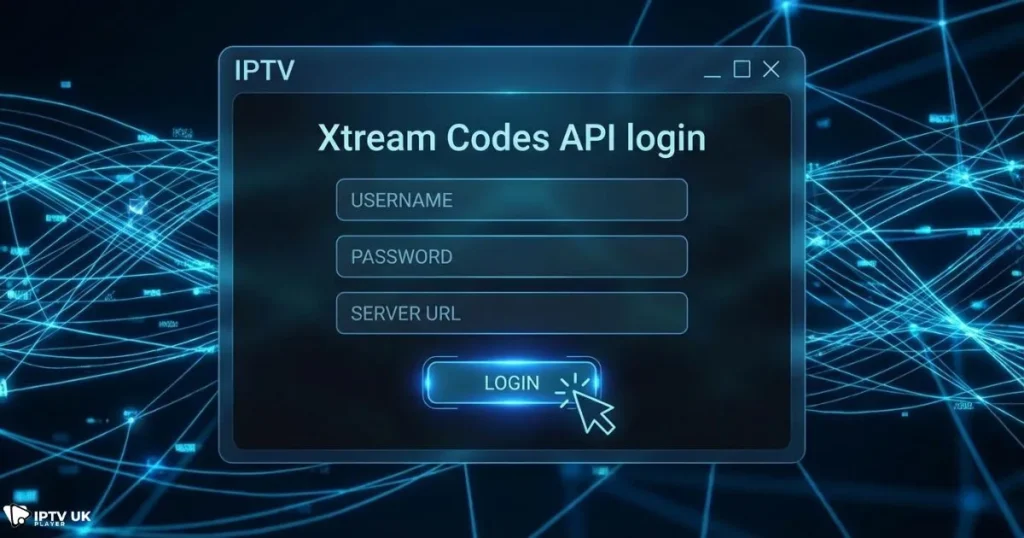
- API connects your app directly to IPTV servers
- No need for manual playlist updates
- Automatically organizes channels and content
- Improves streaming speed and stability
To understand how streaming infrastructure works, you can explore this detailed guide on how IPTV servers operate.
Xtream Codes IPTV vs M3U Playlists
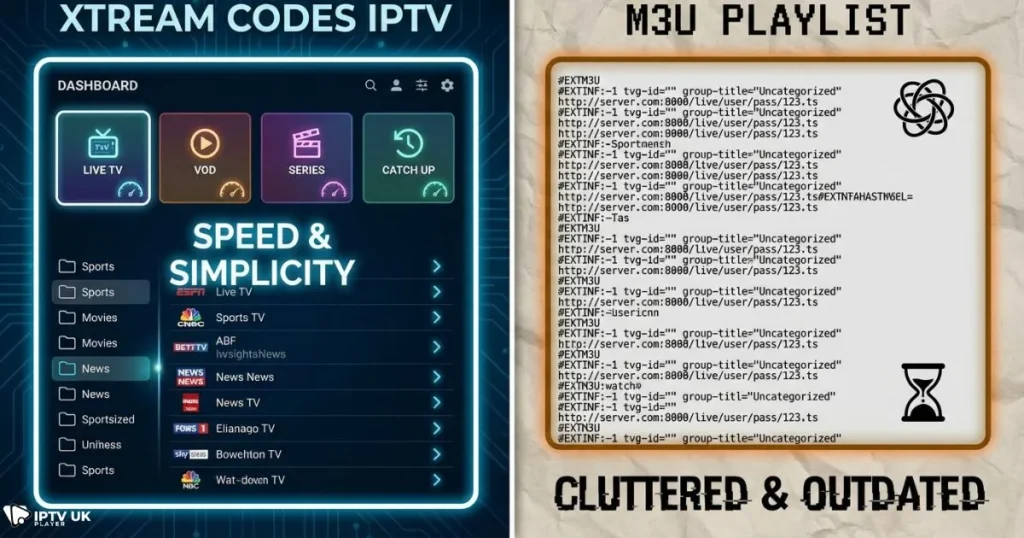
- Xtream Codes: login-based system, faster and organized
- M3U: file-based playlists, often manual and less stable
The xtream iptv app simplifies everything by replacing complex setups with a clean login system.
Benefits of Using Xtream IPTV App
Once you start using the xtream iptv app, the difference becomes obvious immediately.
- Faster channel loading
- Better EPG integration
- Organized categories: Live TV, Movies, Series
- Easy login using xtream iptv login
- Works across multiple devices
Unlike traditional playlists, the xtream iptv app gives you a smooth and structured experience.
Requirements Before Xtream Player Setup
What You Need
- Active IPTV subscription
- Xtream login details
- Stable internet connection
- Compatible IPTV app
Supported Devices
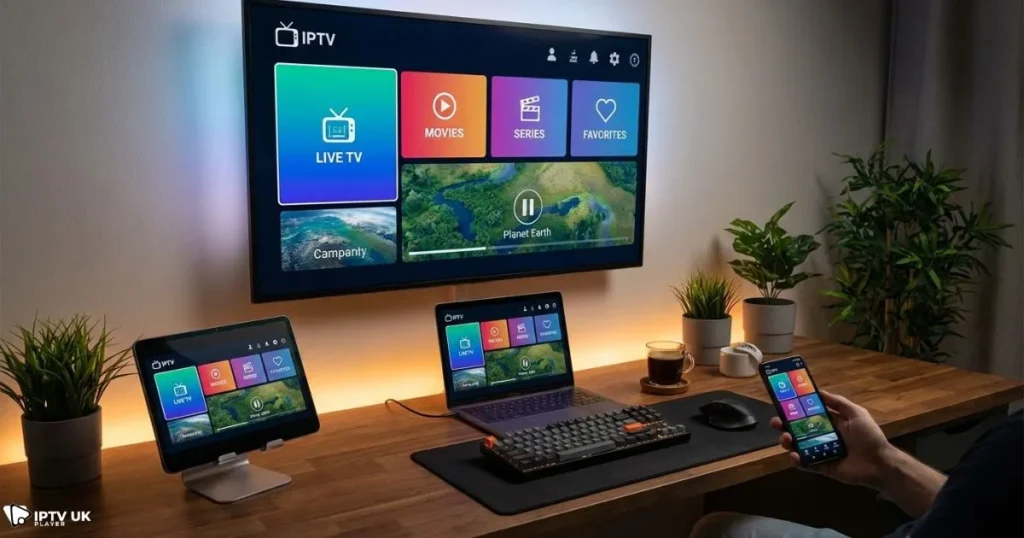
- Android phones and TV boxes
- Smart TVs (LG, Samsung)
- Amazon Firestick
- Windows and Mac computers
- iPhone and iPad
If you are searching for budget-friendly plans, check affordable options here: cheap IPTV subscription plans.
Xtream IPTV Login Explained Step by Step
To use the xtream iptv app, you need three main details.
Login Credentials
| Field | Description |
|---|---|
| Username | Provided by your IPTV provider |
| Password | Unique account password |
| Server URL | Portal address from provider |
Common Login Issues
- Incorrect username or password
- Expired subscription
- Server downtime
The xtream iptv app relies on accurate login details, so always double-check your credentials.
Xtream Player Setup on All Devices
Android Setup
- Download IPTV Smarters or similar app
- Select Xtream Codes API
- Enter login details
- Start streaming
Smart TV Setup
- Install IPTV player app
- Open settings
- Enter Xtream credentials
- Restart application
Firestick Setup
- Enable unknown sources
- Install IPTV app
- Enter login details
PC Setup
- Download IPTV software
- Select Xtream login
- Input credentials
iPhone Setup
- Install IPTV app from App Store
- Choose Xtream login
- Enter credentials
If you need help choosing apps, check this guide on free IPTV player options.
Best Apps for Xtream IPTV Player Setup
- IPTV Smarters Pro
- TiviMate
- Hot Player
- XCIPTV Player
Each app supports the xtream iptv app system and provides a smooth experience.
Xtream Codes IPTV vs M3U Comparison
| Feature | Xtream Codes IPTV | M3U Playlist |
|---|---|---|
| Speed | Fast | Moderate |
| Setup | Easy | Manual |
| Stability | High | Variable |
The xtream iptv app clearly provides a better experience.
Troubleshooting Xtream IPTV Issues
Buffering
- Check internet speed
- Restart router
Login Problems
- Verify credentials
- Contact provider
App Crashes
- Clear cache
- Update app
Security Tips for Xtream IPTV Users
- Use trusted IPTV providers
- Keep login details private
- Consider using a VPN
For online privacy information, refer to FTC privacy guidelines.
Why Choose IPTV UK Player for Xtream IPTV
When using the xtream iptv app, your provider makes all the difference. IPTV UK Player offers:
- High-performance servers
- Stable Xtream Codes API
- 24 to 48-hour free trial
- Multiple subscription plans
- Fast support
If you want reliable streaming, choosing the best iptv in uk is key.
FAQ About Xtream IPTV App
What is xtream iptv app?
The xtream iptv app is a system that allows IPTV users to log in using API credentials instead of playlists.
How do I get xtream iptv login details?
You receive them from your IPTV provider after subscription.
What is xtream codes iptv?
It is a login system that connects your app to IPTV servers.
Which app is best for xtream player setup?
IPTV Smarters and TiviMate are top choices.
Why is xtream iptv app not working?
Usually due to incorrect login details or server issues.
Conclusion
The xtream iptv app transforms how you watch IPTV by making streaming faster, cleaner, and easier to manage. Once you understand the login system and setup process, you eliminate most common issues and enjoy smooth entertainment.
If you are ready to experience stable streaming, test a reliable provider today and discover why many users choose the best iptv in uk for their daily entertainment.



