
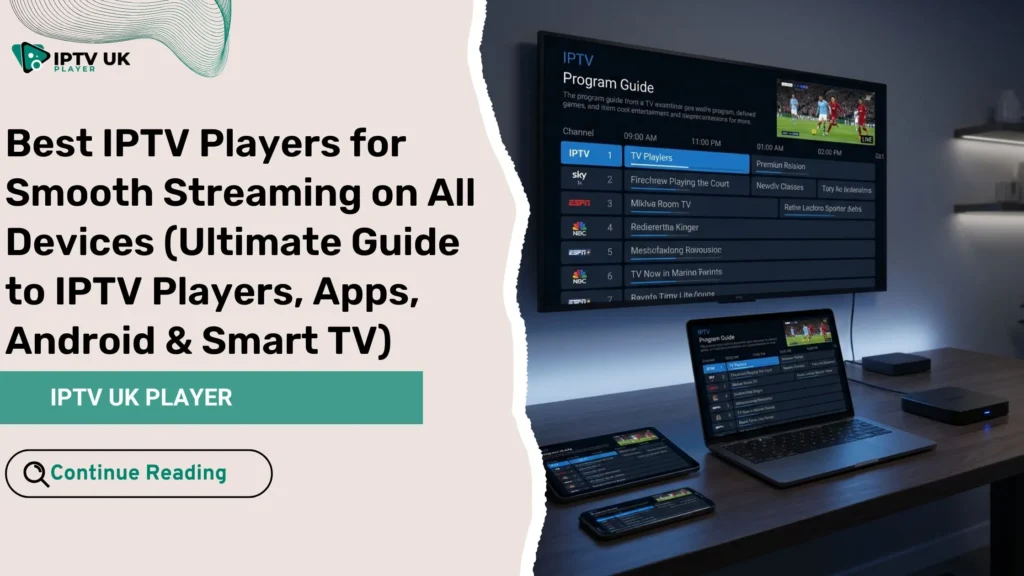
Have you ever sat down, ready to enjoy your favorite show, only to face buffering, freezing, or apps that simply don’t work? You’re not alone. Many users think the problem is their internet, but in reality, the issue often comes from using the wrong iptv players. Choosing the right player can completely transform your viewing experience. If you’re also looking for the best iptv provider, combining a reliable service with the right player is the key to smooth streaming.
In this guide, you’ll discover the best iptv player options, powerful iptv apps, and the most reliable tools for Android, Smart TVs, and PC. By the end, you’ll know exactly how to choose the right IPTV setup for your needs.
Table of Contents
What Are IPTV Players and Why They Matter
IPTV players are applications that allow you to stream live TV, movies, and series using IPTV subscriptions. These apps don’t provide content themselves. Instead, they act as a bridge between your IPTV subscription and your device.
How IPTV Players Work
- They load M3U playlists or Xtream Codes login details
- They decode and display streaming content
- They provide navigation through channels and categories
If you want to understand the technical side of streaming infrastructure, you can explore how IPTV servers operate behind the scenes and why they impact your streaming quality.
Why the Right IPTV Player Matters
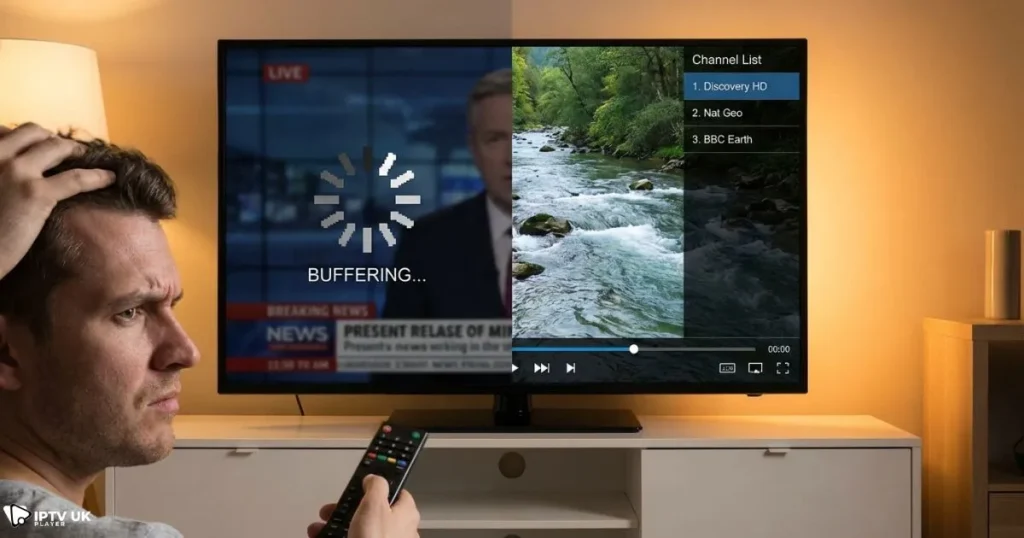
- Reduces buffering issues
- Improves video quality (HD, Full HD, 4K)
- Enhances user experience
- Supports advanced features like catch-up TV
Using poor iptv players can ruin even the best subscription, while the right one can make everything smooth and enjoyable.
Key Features to Look for in a Streaming App
Essential Features
- M3U playlist support
- Xtream Codes API login
- Electronic Program Guide (EPG)
- External player compatibility
- Multi-device support
Advanced Features
- Multi-screen viewing
- Catch-up TV and recording
- Adaptive streaming technology
- VPN compatibility
Feature Comparison Table
| Feature | Importance | Benefit |
|---|---|---|
| EPG Support | High | Easy navigation |
| 4K Streaming | High | Better quality |
| Multi-device | Medium | Flexibility |
| Catch-up TV | Medium | Watch missed shows |
Best IPTV Players for Android Devices
If you use Android, choosing optimized apps is essential for performance and flexibility.
Top Android Apps for Streaming
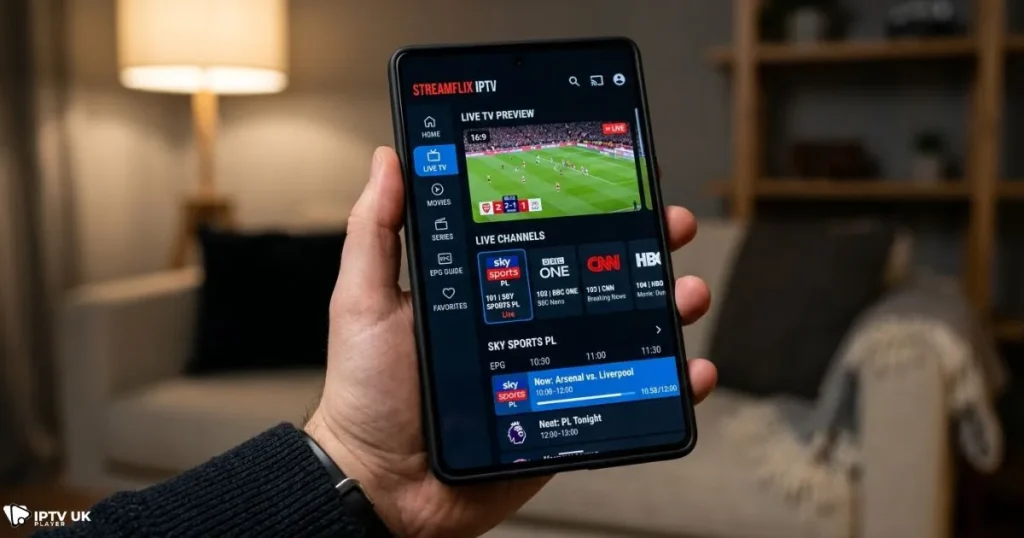
- IPTV Smarters Pro
- TiviMate IPTV Player
- XCIPTV Player
- GSE Smart IPTV
Why These IPTV Apps Stand Out
- Fast and responsive interface
- Support for Xtream Codes and M3U
- Compatible with Android TV and smartphones
If you prefer budget-friendly options, you can also explore some affordable IPTV subscription plans for UK users that work perfectly with these apps.
Best IPTV Player for Smart TV
Smart TVs require specific iptv players that are compatible with their operating systems.
Top Smart TV IPTV Apps
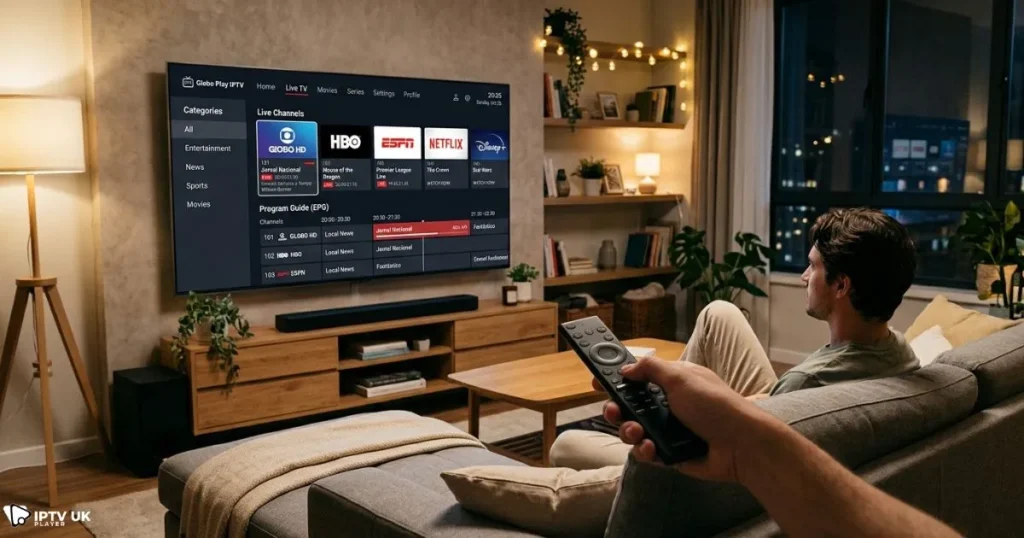
- Smart IPTV
- Net IPTV
- Duplex IPTV
- SS IPTV
Supported Platforms
- Samsung Smart TV (Tizen)
- LG Smart TV (WebOS)
- Android TV
Smart TV iptv players offer a cinematic experience, but they often have fewer customization options compared to Android apps.
Best IPTV Players for Windows and PC
Using iptv players on a PC gives you more control and flexibility.
Recommended IPTV Players
- VLC Media Player
- Kodi
- MyIPTV Player
Advantages of PC IPTV Apps
- Better performance for multitasking
- Customizable settings
- Support for multiple playlists
You can also check some free IPTV apps for multiple devices if you’re just starting out.
IPTV Players Comparison Table
| Player | Device | Type | Best Feature |
|---|---|---|---|
| IPTV Smarters | Android/iOS | Free | Easy setup |
| TiviMate | Android TV | Paid | Premium UI |
| VLC | PC | Free | Universal support |
| Smart IPTV | Smart TV | Paid | Stable streaming |
How to Choose the Best IPTV Player
Based on Device
- Android: TiviMate or IPTV Smarters
- Smart TV: Smart IPTV or Duplex
- PC: VLC or Kodi
Based on Experience
- Beginner: Simple interface apps
- Advanced: Customizable IPTV apps
Based on Performance
- Choose players with low buffering optimization
- Ensure compatibility with your IPTV subscription
Also, if you are setting up using login credentials, this Xtream Codes setup guide will help you configure your player correctly.
How IPTV Players Work with IPTV Subscriptions
These apps need a subscription to function. Without it, they cannot stream any content.
What You Need
- M3U playlist URL
- Xtream Codes login
- Stable internet connection
To ensure the best experience, always combine your player with a reliable service like the best iptv provider.
Why IPTV UK Player Is the Best Choice
- High-quality HD and 4K streams
- Anti-buffering technology
- Compatible with all major IPTV players
- Fast activation
You can test everything with a 24 to 48-hour free trial and see how your favorite iptv players perform.
Common IPTV Player Problems and Fixes
Buffering Issues
- Use Ethernet instead of WiFi
- Switch to better IPTV players
- Check internet speed
Playlist Not Loading
- Verify URL
- Check login credentials
App Crashing
- Clear cache
- Update app
For additional learning, you can refer to resources like this IPTV explanation by TechRadar, which explains how IPTV technology works in detail.
FAQ
What are the best IPTV players?
The best options depend on your device. TiviMate and IPTV Smarters are among the most popular choices.
Are these apps free?
Many of them are free, but premium versions offer better features.
Which app is best for Android?
TiviMate and IPTV Smarters are top Android IPTV apps.
Can these apps work on Smart TVs?
Yes, many of them are designed specifically for Smart TVs.
Do these apps include channels?
No, they only play content. You need a subscription.
Conclusion
Choosing the right iptv players is essential if you want smooth, high-quality streaming. Whether you use Android, Smart TV, or PC, the right IPTV app can completely change your experience.
To get the best results, combine a powerful player with a reliable service like the best iptv provider. This ensures stable streams, high quality, and zero frustration.
Start today with a free trial and experience the difference yourself. Your perfect streaming setup is just one step away.


