 Skip to content
Streaming television has changed how people watch content. Instead of relying on expensive cable packages with limited channels, you can now access thousands of live channels, movies, and series directly through IPTV apps. If you are looking for the Best iptv in uk, understanding how xtream codes iptv works is essential because it is the login system used by most modern IPTV apps.
Many users receive their IPTV credentials and see information such as a username, password, and server URL. At first glance, these details may seem confusing. However, once you understand how xtream codes iptv works, setting up IPTV on your device becomes quick and simple.
This complete guide will walk you through everything you need to know about xtream codes iptv. You will learn how the login system works, how to configure IPTV apps using the Xtream API, how to install IPTV players on different devices, and how to solve the most common issues users face during setup.
Table of Contents
What Is Xtream Codes IPTV?
Xtream codes iptv is a login and management system used by IPTV providers to deliver streaming content to users through IPTV applications. Instead of loading a long playlist file, the system allows you to connect directly to the IPTV server using simple login credentials.
Understanding the Xtream Codes System
The Xtream system acts as a bridge between your IPTV provider and the app installed on your device. Once the login information is entered correctly, the application automatically retrieves available content from the server.
- Live television channels
- Movies and video on demand
- TV series libraries
- Electronic program guide data
Because the connection happens through a structured API, xtream codes iptv allows IPTV apps to organize channels into categories, making the interface easier to navigate.
What Is Xtream Codes Login?
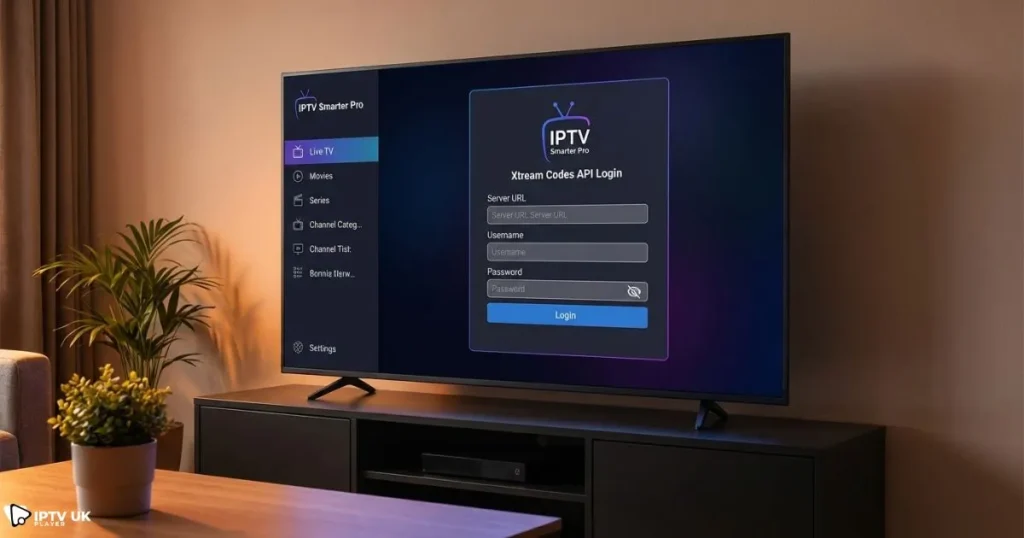
The login process for xtream codes iptv normally requires three main details provided by your IPTV provider.
| Credential | Description |
|---|---|
| Username | Your IPTV account identifier |
| Password | Used to authenticate your account |
| Server URL | The IPTV server address used by the application |
Once these details are entered inside an IPTV app, the system connects to the server and loads the available content automatically.
Why Xtream Codes Is Popular
- Simple login process
- Automatic channel updates
- Better compatibility with IPTV apps
- Faster setup compared to playlist files
Because of these advantages, most IPTV providers now rely on xtream codes iptv as the preferred method for connecting users to their servers.
How Xtream Codes IPTV Login Works
When you enter your login credentials inside an IPTV application, the app sends a request to the IPTV server. The server verifies your username and password and then sends back structured data containing the available content.
Xtream Codes API Explained
The connection between the IPTV app and the server happens through the Xtream API. This API allows the application to request data such as channel lists, movies, and program guides.
A typical API request might look similar to this format:
http://server-address.com:port/player_api.php?username=XXXX&password=XXXX
The server then responds with structured data that the IPTV app converts into categories and channel lists.
Difference Between Xtream Codes Login and M3U Playlist
| Feature | Xtream Codes | M3U Playlist |
|---|---|---|
| Setup Speed | Very fast | Moderate |
| Channel Updates | Automatic | Manual refresh |
| Content Organization | Structured categories | Basic list |
| App Compatibility | Very high | High |
This is why most modern IPTV apps encourage users to connect using xtream codes iptv instead of traditional playlist links.
Requirements Before Setting Up Xtream IPTV Player
Before starting the xtream iptv player setup, make sure you have the necessary components ready.
Things You Need Before Setup
- An active IPTV subscription
- A compatible IPTV player application
- Stable internet connection
- Xtream login credentials
If you are looking for a reliable IPTV provider with trial access, you can also explore services such as Best iptv in uk to test the platform before committing to a full subscription.
Recommended Internet Speed for IPTV
| Streaming Quality | Minimum Speed |
|---|---|
| SD | 5 Mbps |
| HD | 10 Mbps |
| 4K | 25 Mbps |
A stable connection ensures that xtream codes iptv streams smoothly without buffering or interruptions.
Step by Step Xtream IPTV Player Setup
The setup process for xtream codes iptv usually takes only a few minutes. The steps below apply to most IPTV applications.
Step 1: Install an IPTV Application
The first step is installing an IPTV player compatible with the Xtream login system. Many users prefer IPTV apps that support advanced features like electronic program guides and video on demand libraries.
If you want a deeper tutorial about installing the player and connecting it correctly, you can follow this step by step IPTV player configuration tutorial that explains the process in detail.
Step 2: Select Xtream Codes Login
After opening the IPTV app, you will usually see several login methods. Choose the option labeled “Login with Xtream Codes API”.
This option allows the app to retrieve all available channels automatically once the connection is established.
Step 3: Enter Login Credentials
Now enter the details provided by your IPTV provider.
| Field | Example |
|---|---|
| Username | user123 |
| Password | pass123 |
| Server URL | http://server.com:8080 |
Once you confirm the login, the application will start loading channel categories from the server using xtream codes iptv.
Step 4: Load Channels and Content
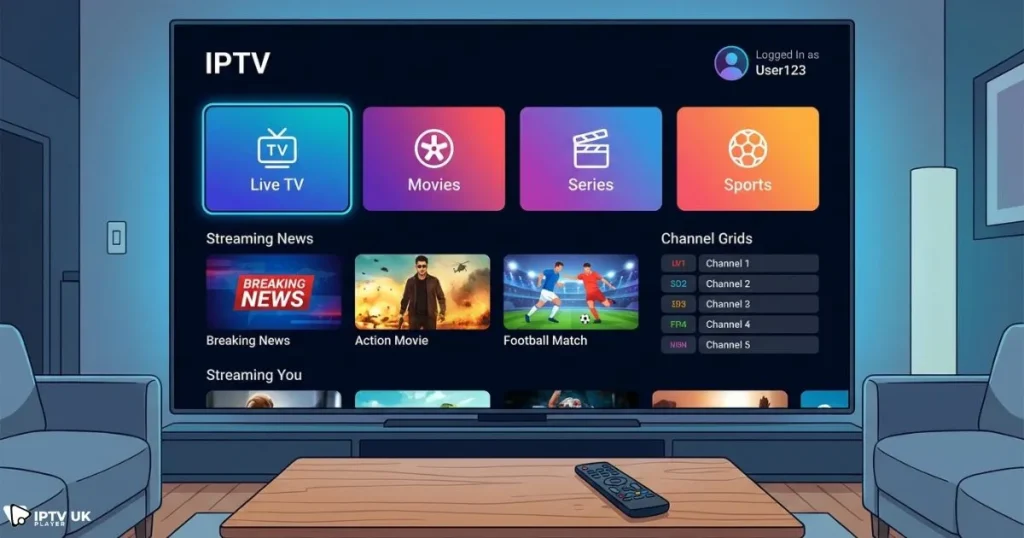
After the login is successful, the IPTV player will automatically download:
- Live TV channels
- Movies
- Series libraries
- Electronic program guide data
Within a few seconds, your IPTV dashboard will be ready to stream.
Supported Devices for Xtream Codes IPTV
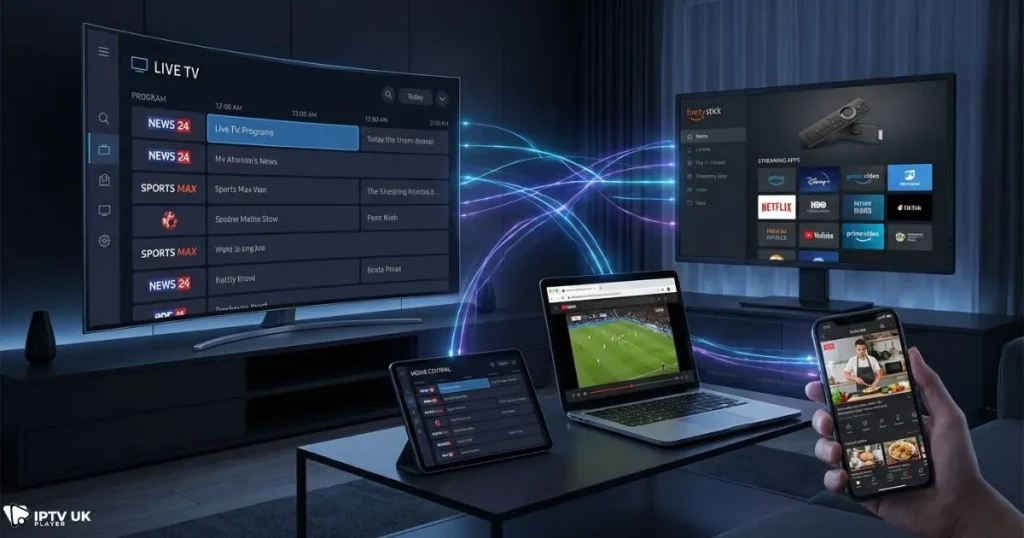
One of the main advantages of xtream codes iptv is its compatibility with many devices.
Smart TVs
Smart televisions support many IPTV applications that allow direct login using Xtream credentials.
- Samsung Smart TV
- LG Smart TV
- Android TV devices
Amazon Firestick
Firestick is one of the most popular IPTV streaming devices because it is affordable and portable. If you want to discover recommended IPTV applications for this device, you can explore this guide about popular IPTV apps for Firestick devices.
Android Smartphones and Tablets
Android users can download IPTV apps directly from the Google Play Store and connect using xtream codes iptv.
Windows and Mac Computers
Desktop users can also stream IPTV content using desktop IPTV players or media software such as VLC. The official VLC project provides streaming software through the VideoLAN website, which is a trusted resource for media playback tools.
Best IPTV Apps Compatible with Xtream Codes Login
Not every IPTV player offers the same experience. Choosing a good application can improve streaming quality and usability.
| IPTV App | Supported Devices | Ease of Use | Main Features |
|---|---|---|---|
| IPTV Smarters | All devices | Easy | VOD support, parental controls |
| TiviMate | Android TV | Advanced | Custom channel lists |
| XCIPTV | Android | Easy | Built in media player |
If you want to explore more player options, this detailed guide about choosing the right IPTV player apps explains how to pick the best application for your device.
Common Xtream Codes IPTV Login Problems
Even though the system is simple, users sometimes encounter issues while using xtream codes iptv. Most problems can be solved quickly.
Invalid Username or Password
- Double check your login credentials
- Make sure there are no extra spaces
- Confirm that the subscription is active
Channels Not Loading
This can happen if the IPTV app fails to retrieve information from the server.
- Restart the IPTV app
- Clear app cache
- Verify the server URL
Buffering Issues
Buffering usually occurs because of internet instability.
- Restart your router
- Switch to wired connection if possible
- Close other devices using bandwidth
Security Tips When Using Xtream Codes IPTV
Security is an important aspect of IPTV streaming. Protecting your account helps maintain stable access to your content.
Protect Your IPTV Credentials
- Never share your login details publicly
- Use IPTV apps from trusted sources
- Avoid downloading unknown IPTV software
Choose Reliable IPTV Providers
Reliable providers ensure stable servers and better streaming performance. Choosing a trustworthy service reduces the chance of downtime and buffering.
Many viewers in the United Kingdom also enjoy watching sports competitions such as regional football leagues through IPTV services. For example, you can learn how IPTV allows fans to stream regional football competitions online using modern IPTV technology.
Why Many Users Prefer Xtream Codes Over Playlist Links
Over time, xtream codes iptv has become the preferred connection method because it simplifies the IPTV experience.
- Login requires only three simple details
- Content loads automatically
- Channels stay organized
- Apps update content automatically
For most users, the system is easier to manage compared to traditional playlist links.
How to Get Xtream Codes IPTV Login
To start using xtream codes iptv, you need to obtain login credentials from a provider.
- Select an IPTV service provider
- Choose a subscription plan
- Receive login credentials by email
- Enter the details in your IPTV app
Many IPTV providers allow you to test the service before purchasing. You can explore subscription plans and trials through Best iptv in uk to see how IPTV works before committing to a long term plan.
Frequently Asked Questions About Xtream Codes IPTV
What is xtream codes iptv?
Xtream codes iptv is a login system used by IPTV providers that allows users to connect to IPTV servers using a username, password, and server address.
Which apps support xtream codes iptv?
Many IPTV players support this login method, including IPTV Smarters, TiviMate, XCIPTV, and other streaming applications.
Can you use xtream codes iptv on multiple devices?
This depends on the IPTV provider. Some subscriptions allow multiple simultaneous connections, while others restrict usage to a single device.
Why is xtream codes iptv not working?
The most common causes include incorrect login credentials, expired subscriptions, or unstable internet connections.
Is xtream codes iptv better than playlist links?
Yes, many users prefer this method because it simplifies login, automatically loads channels, and organizes content better than traditional playlist links.
Conclusion
Setting up IPTV may seem complicated at first, but once you understand how xtream codes iptv works, the process becomes simple. By entering your username, password, and server URL inside a compatible IPTV app, you can quickly access live channels, movies, and series.
The system is widely used because it provides automatic updates, organized channel categories, and fast setup across many devices. Whether you are using a smart TV, smartphone, Firestick, or computer, IPTV apps make it easy to connect using Xtream credentials.
If you want to test IPTV streaming and experience the benefits of modern IPTV technology, you can explore subscription options and trial access through Best iptv in uk. A short trial period allows you to verify the quality, compatibility, and channel selection before choosing a long term IPTV plan.



