 Skip to content
You probably reached this page because you are tired of unstable streams, buffering during live sports, or IPTV apps that look good on paper but fail the moment you actually use them. Choosing the right IPTV application is no longer optional if you want smooth viewing on your phone, Smart TV, or tablet. The truth is simple: the IPTV service matters, but the app you use can completely change your experience. If your goal is Best iptv performance on every device you own, then this guide is written for you.
This in depth guide will walk you through the best iptv apps available today for Android, Smart TV, and iOS. You will learn how IPTV apps actually work, what separates average players from top tier ones, and how to match the right app with a reliable IPTV subscription like IPTV UK Player. By the end, you will know exactly which app fits your device, your viewing habits, and your expectations.
Table of Contents
What IPTV Apps Are and Why They Matter
Understanding IPTV Apps in Simple Terms
An IPTV app is not a TV channel provider. It is a media player designed to load and organize live TV channels, movies, and series that come from an IPTV subscription. When you subscribe to a service like IPTV UK Player, you receive login details such as an M3U link or Xtream Codes. The IPTV app is where you enter those details so you can actually watch the content.
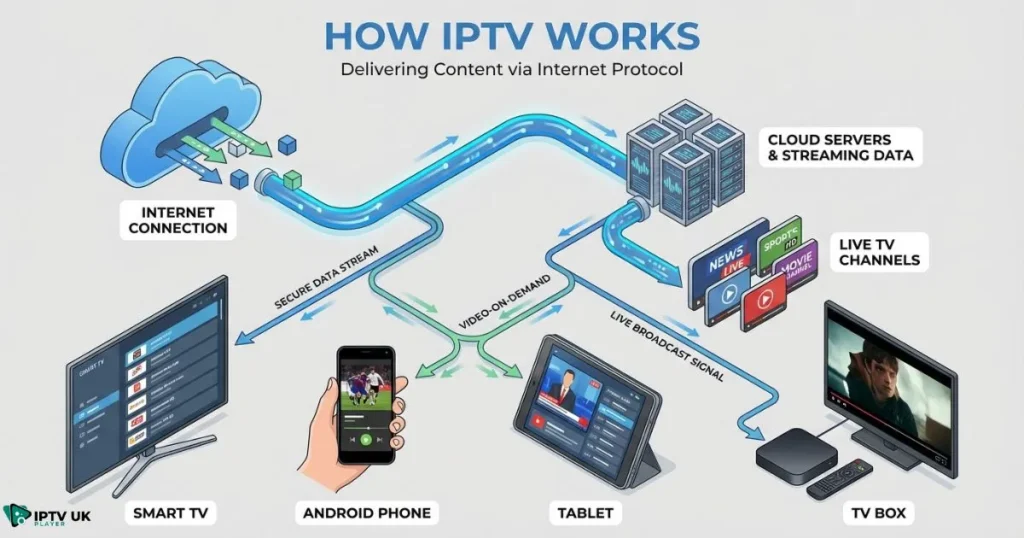
If you are new to IPTV, it helps to understand the technology behind it before choosing any app. IPTV delivers television content through internet connections instead of traditional cable or satellite systems. This allows more flexibility, better device compatibility, and access to international content. For a deeper technical explanation from a trusted source, this guide explains what IPTV is and how it works in clear and practical terms.
IPTV Apps vs Traditional TV Applications
- Traditional TV apps are locked to one provider
- IPTV apps let you choose your service freely
- IPTV apps support thousands of channels worldwide
- You can use the same IPTV subscription on multiple devices
This flexibility is why IPTV has grown so fast in the UK and across Europe.
Key Features to Look for in the Best IPTV Apps
Essential Features You Should Never Ignore
- Fast loading times and smooth playback
- EPG support so you know what is playing and what is next
- Catch up TV for missed programs
- Favorites and custom channel groups
- Support for Xtream Codes and M3U playlists
Without these features, even a strong IPTV service will feel frustrating. If you want to understand how a TV guide improves daily viewing, this explanation of electronic program guide functionality is worth reading.
Performance and Stability Factors
The difference between average players and the best iptv apps usually comes down to optimization. Well built apps handle unstable internet better, reduce buffering, and recover faster from signal drops. This matters most during live sports and major events.
Best IPTV Apps for Android Devices
Why Android Is Ideal for IPTV
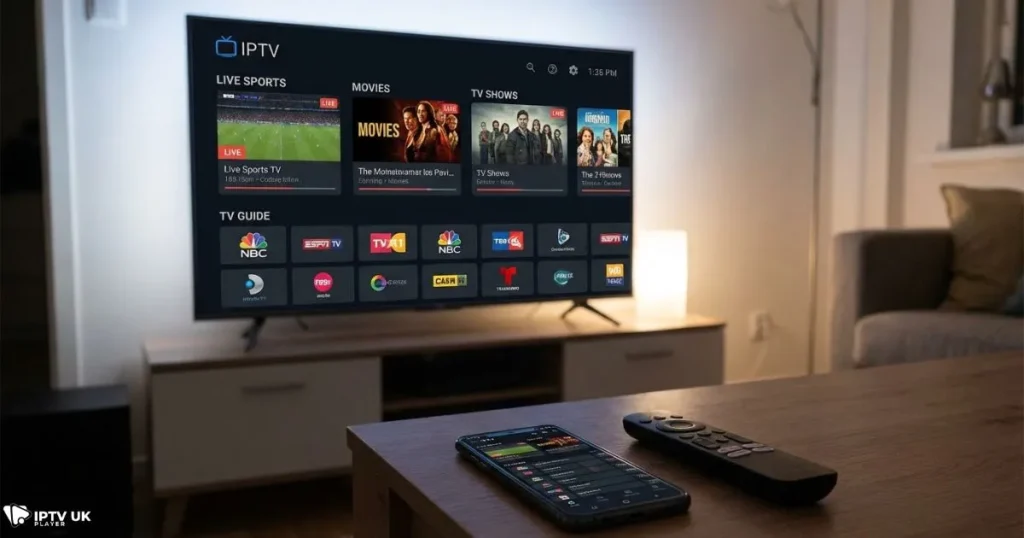
Android offers the most freedom when it comes to IPTV. You can install apps directly from the Play Store, sideload advanced players, and customize your experience easily. This is why many of the best iptv apps are first developed for Android.
Top IPTV App Characteristics on Android
- Works on phones, tablets, Android TV, and TV boxes
- Supports external video players
- Easy playlist updates
- Good remote control navigation
If you want a deeper breakdown focused only on Android, you can read this detailed guide about reliable IPTV apps for Android users in the UK.
Android IPTV App Comparison Table
| Feature | Basic IPTV Apps | Advanced IPTV Apps |
|---|---|---|
| EPG Support | Limited | Full and customizable |
| Catch Up TV | No | Yes |
| Streaming Stability | Average | High |
Best IPTV Apps for Smart TV
Smart TV Compatibility Explained
Smart TVs use different operating systems. Samsung runs Tizen, LG uses webOS, and Android TVs use Android TV. Not every IPTV app works on every system, which is why choosing carefully matters.
What Makes a Good IPTV App for Smart TVs
- Remote control friendly interface
- Large font menus for distance viewing
- Stable long sessions without crashing
- Quick access to live TV categories
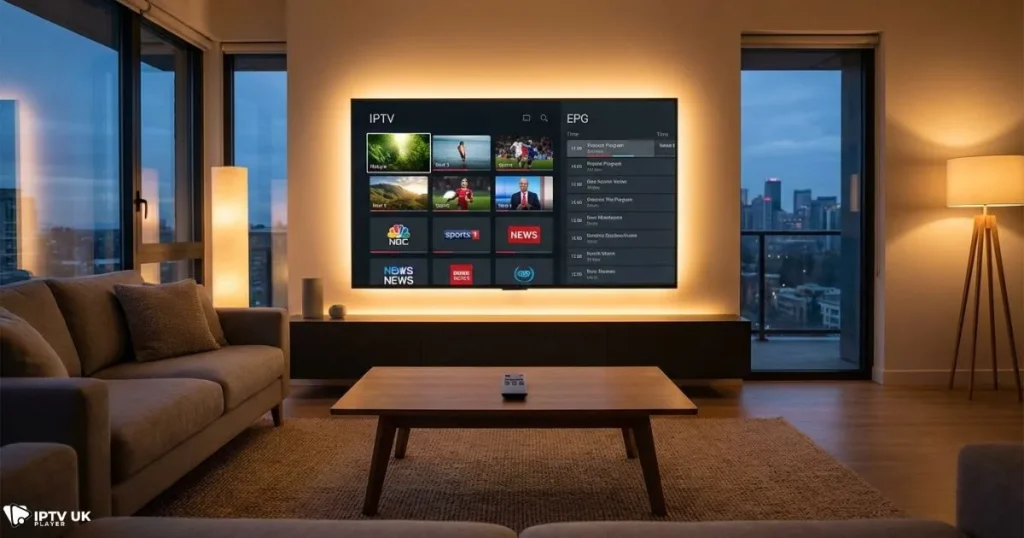
The best iptv apps for Smart TVs are designed specifically for living room viewing, not just mobile screens.
Smart TV IPTV App Compatibility Table
| TV Brand | App Support | Setup Difficulty |
|---|---|---|
| Samsung | High | Easy |
| LG | Medium | Moderate |
| Android TV | Very High | Easy |
Best IPTV Apps for iOS Devices
IPTV on iPhone and iPad
Apple devices are known for stability and smooth performance, but the App Store has stricter rules. This means fewer IPTV apps are available, but the ones that pass review are usually reliable.
The best iptv apps on iOS focus on clean design, simple navigation, and consistent playback.
Apple TV IPTV Experience
- High quality video output
- Excellent remote navigation
- Strong app stability
- Ideal for family viewing
Best IPTV Apps by Viewing Style
Best IPTV Apps for Live Sports Fans
Sports viewers need fast channel switching and minimal delay. The best iptv apps for sports are optimized for live events and reduce buffering during peak hours.
Best IPTV Apps for Families
If multiple people use the same subscription, look for apps that allow favorites, parental controls, and easy navigation. These features make daily use much more comfortable.
Best IPTV Apps for Beginners
If this is your first IPTV experience, simplicity matters more than advanced settings. Many users start with basic players and later upgrade to more advanced ones.
How to Choose the Right IPTV App for Your Needs
Step by Step Selection Guide
- Identify your device type
- Check which IPTV apps support that device
- Confirm login compatibility
- Test with a free trial
- Adjust settings for best performance
This is where choosing a service like IPTV UK Player helps. You can test different apps during the free trial period before committing long term. This approach often leads to Best iptv results without unnecessary risk.
Common IPTV App Problems and How to Avoid Them
Buffering and Freezing
Buffering is often blamed on IPTV services, but in many cases the app is the weak link. The best iptv apps handle unstable connections far better than outdated players.
Missing Channels or EPG Issues
These problems are usually solved by refreshing playlists or switching to apps with stronger EPG support. If recording live TV matters to you, learning about recording live IPTV content can also improve your setup.
IPTV Apps vs IPTV Services
Why Apps Alone Are Not Enough
An IPTV app without a quality service is useless. Think of the app as the screen and the service as the signal. You need both working together.
This is why IPTV UK Player is designed to work smoothly with the best iptv apps across Android, Smart TV, and iOS.
Frequently Asked Questions About Best IPTV Apps
What are the best iptv apps for Android right now?
The best options are apps that support EPG, catch up TV, and stable streaming with Xtream Codes login.
Are the best iptv apps free?
Most IPTV apps are free or low cost, but you still need an IPTV subscription to access channels.
Can I use one IPTV app on multiple devices?
Yes, most IPTV apps allow multiple installations, but usage depends on your subscription limits.
Do IPTV apps include channels?
No. IPTV apps are players. Channels come from IPTV services.
Final Thoughts: Choosing the Best IPTV Apps for Long Term Satisfaction
The IPTV app you choose plays a bigger role than most people realize. It affects stability, ease of use, and overall enjoyment. By pairing the best iptv apps with a reliable IPTV service, you eliminate most common issues users face.
If you want consistent performance, wide compatibility, and flexible plans, IPTV UK Player gives you the freedom to test, compare, and choose the setup that fits your lifestyle. With support for all major IPTV players, multiple subscription plans, and a 24 to 48 hour free trial, you can build your ideal IPTV setup with confidence and achieve Best iptv viewing across all your devices.
Your next step is simple: test, compare, and experience IPTV the right way.



