 Skip to content
You buy a Firestick, install your IPTV app, sit down after a long day, and expect smooth streaming. Instead, you get buffering at the worst possible moment. If this sounds familiar, you are not alone. Many users across the UK struggle with unstable streams, especially when watching live sports or evening TV. Most people blame their internet speed, but the reality is more complex. Understanding how British IPTV works on Firestick is the first step to fixing the problem. In this guide, you will learn exactly what affects IPTV to Firestick streaming quality in the UK and how you can improve it without guesswork.
Table of Contents
What IPTV to Firestick Really Means for UK Viewers
When you use IPTV on a Firestick, you are combining three elements: your internet connection, the IPTV service itself, and the Firestick hardware. IPTV to Firestick simply means streaming television content through the internet and decoding it on your Amazon Firestick device. While this setup is convenient and affordable, it is sensitive to small weaknesses in the chain.
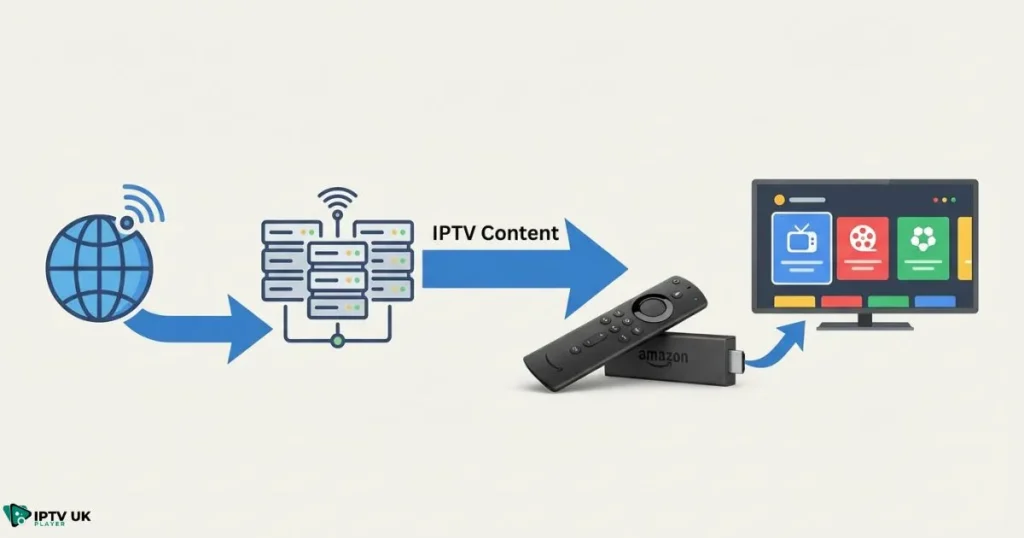
How IPTV Works on Amazon Firestick
IPTV delivers TV channels and on-demand content using internet protocols instead of satellite or cable. Your Firestick acts as the player that receives and decodes this stream. You install an IPTV app, enter your subscription details, and the app connects to remote servers that send live TV or VOD directly to your device.
- IPTV provider: supplies channels and servers
- IPTV app: displays and decodes the stream
- Firestick: hardware that runs the app
- Internet connection: transports the data
Why Firestick Is Popular for IPTV in the UK
Firestick is widely used in the UK because it is affordable, portable, and easy to set up. It works well with most IPTV apps and fits neatly into existing home networks. However, not all Firestick models perform the same, and this directly affects IPTV to Firestick performance during peak hours.
IPTV Firestick Quality: The Factors That Matter Most
Many users focus only on internet speed, but IPTV firestick quality depends on several variables working together. If one is weak, your experience suffers.
Internet Speed vs Internet Stability
Speed is important, but stability matters more. A connection that drops packets or fluctuates will cause buffering even if it looks fast on paper.
| Stream Quality | Minimum Speed | Recommended Speed |
|---|---|---|
| SD | 5 Mbps | 10 Mbps |
| HD | 10 Mbps | 20 Mbps |
| Full HD | 20 Mbps | 40 Mbps |
| 4K | 40 Mbps | 70 Mbps |
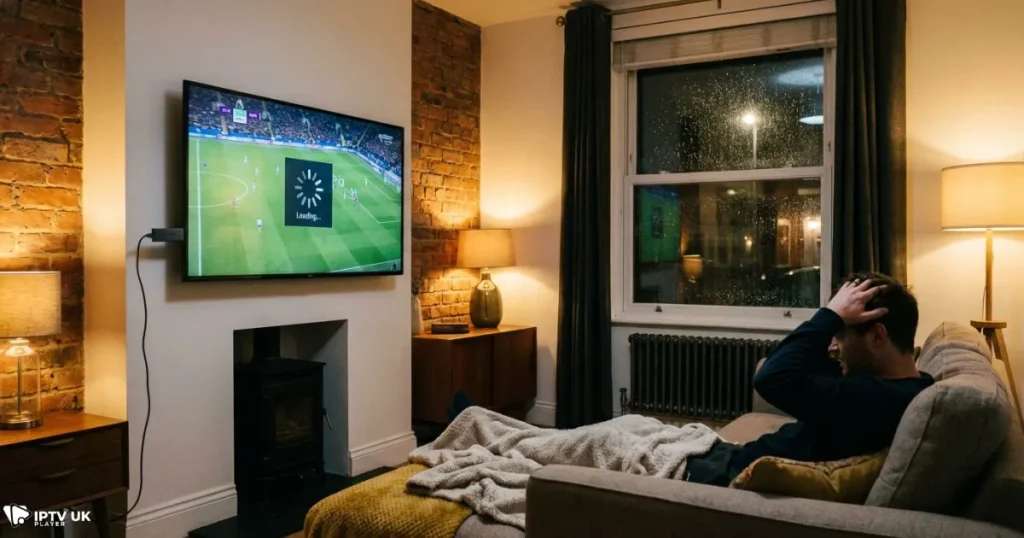
In the UK, broadband congestion is common between 7 PM and 11 PM. This is when IPTV buffering firestick issues appear most often.
Firestick Hardware Limitations
Older Firestick models have limited RAM and weaker processors. This affects decoding, especially for HD and 4K streams.
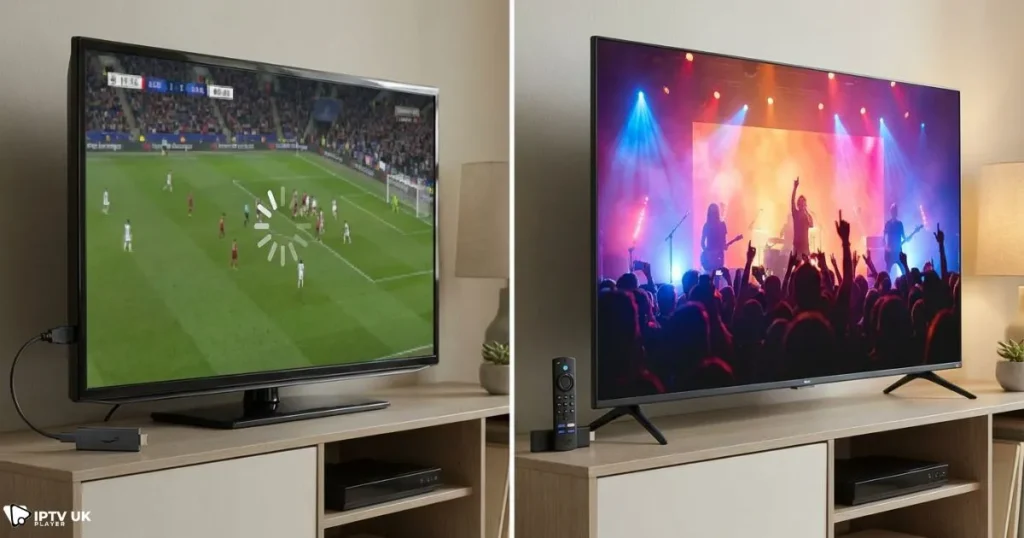
- Firestick Lite: basic performance, limited multitasking
- Firestick 4K: better decoding, more stable
- Firestick 4K Max: best choice for heavy IPTV use
If you experience frequent freezes, upgrading hardware often improves IPTV to Firestick reliability more than changing apps.
IPTV Server Quality
Server quality is the most overlooked factor. Even a fast Firestick cannot compensate for overloaded or distant servers. UK-based servers reduce latency and improve channel switching. Oversold services often fail during live events.
For a deeper look at provider standards, you can explore this guide on choosing a stable IPTV service in the UK that supports multi-device streaming.
IPTV Buffering Firestick: Common Causes in the UK
Buffering is usually the result of multiple small issues combining at the same time.
Peak-Time Traffic
Live football, boxing, and weekend entertainment push servers and ISPs to their limits. IPTV buffering firestick complaints spike during these periods.
ISP Traffic Management
Some UK ISPs manage streaming traffic during busy hours. This does not block IPTV, but it can slow streams. According to guidance from Ofcom, traffic management practices vary between providers and time of day.
App Configuration Errors
- Buffer size set too low
- Wrong video output resolution
- Software decoding instead of hardware decoding
Correcting these settings often improves firestick iptv performance instantly.
How to Improve Firestick IPTV Performance Step by Step
You do not need advanced technical skills to optimize your setup.
Firestick Optimization Checklist
- Clear app cache weekly
- Restart Firestick regularly
- Remove unused apps
- Keep system updates enabled
Best IPTV App Settings
Most IPTV apps allow you to adjust buffer size and playback engine. Increase buffer size gradually and use hardware decoding whenever possible.
Wi-Fi vs Ethernet
Wi-Fi works well if your router is close. In larger UK homes, a wired Ethernet adapter provides more stable IPTV to Firestick streaming.
IPTV UK Firestick: Why Location Matters
Server location has a direct impact on stream quality. UK-based servers reduce delay and improve reliability.
UK Servers vs Overseas Servers
Local servers provide faster response times and smoother playback. This is especially important for live sports and catch-up TV.
If sports are your priority, this complete guide to watching live sports on IPTV across devices explains why server proximity matters.
Why Free Trials Matter for IPTV to Firestick Users
A free trial lets you test real performance, not marketing promises. During a 24 to 48-hour trial, you can evaluate IPTV to Firestick quality during peak times.
What to Test During a Trial
- Channel switching speed
- Buffering frequency
- VOD playback stability
- App crashes or freezes
This approach saves money and frustration in the long run.
Common Myths About IPTV on Firestick
More Speed Always Fixes Buffering
Extra speed helps, but poor servers or unstable Wi-Fi still cause issues.
All IPTV Services Are the Same
Quality varies widely. Infrastructure, support, and testing make a real difference.
Firestick Is Not Powerful Enough
Modern Firestick models handle IPTV well when properly configured.
Choosing the Right IPTV Subscription for Firestick in the UK
The right provider focuses on stability, not just channel count. Reliable support and UK-optimized servers are essential.
For an in-depth comparison, see why many users consider IPTV UK Player a leading option for consistent streaming.
You can also explore a comparison of the best free IPTV player apps for Firestick and other devices to ensure your software is not the weak link.
FAQ: IPTV to Firestick Streaming Quality
Does IPTV to Firestick work well in the UK?
Yes, when you use stable servers, proper settings, and a reliable connection.
Why does IPTV buffer on Firestick but not on my phone?
Phones often have stronger processors and newer Wi-Fi chips.
What internet speed do I need?
For HD, aim for at least 20 Mbps with stable latency.
Is a VPN necessary?
Not always, but it can help if your ISP manages traffic.
Which Firestick model is best?
Firestick 4K or 4K Max offers the best balance of price and performance.
Conclusion: Get the Best IPTV to Firestick Experience
Streaming problems are rarely caused by a single issue. IPTV to Firestick performance in the UK depends on server quality, device capability, app settings, and network stability. By testing properly and choosing a provider that understands UK viewing habits, you can enjoy smooth streaming without constant buffering.
If you want a reliable setup backed by real testing, start with British IPTV that offers flexible plans and a free trial. Taking a few minutes to evaluate your setup can completely change how you watch TV at home.



