 Skip to content
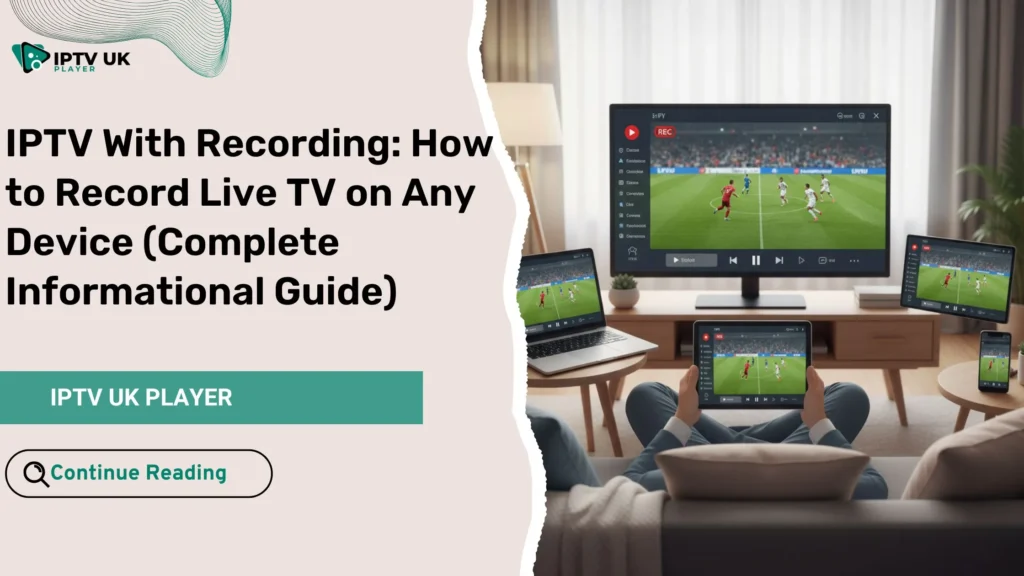
You know the feeling: you sit down after a long day, ready to relax, only to realize you missed the live match, your favorite show, or a special event. Life does not always follow TV schedules. That is exactly why iptv with recording has become one of the most requested features in modern television streaming. With the right setup, you no longer adapt your time to TV. Instead, TV adapts to your life. If you are already exploring an Iptv with subscription, understanding recording features will completely change how you watch content.
This guide is written for you if you want full control over live television. You will learn how to record live TV IPTV on any device, how IPTV DVR feature works, how IPTV catch up differs from recording, and how to choose the best IPTV recording app. Everything is explained clearly, practically, and without technical confusion.
Table of Contents
What Is IPTV With Recording and How Does It Work?
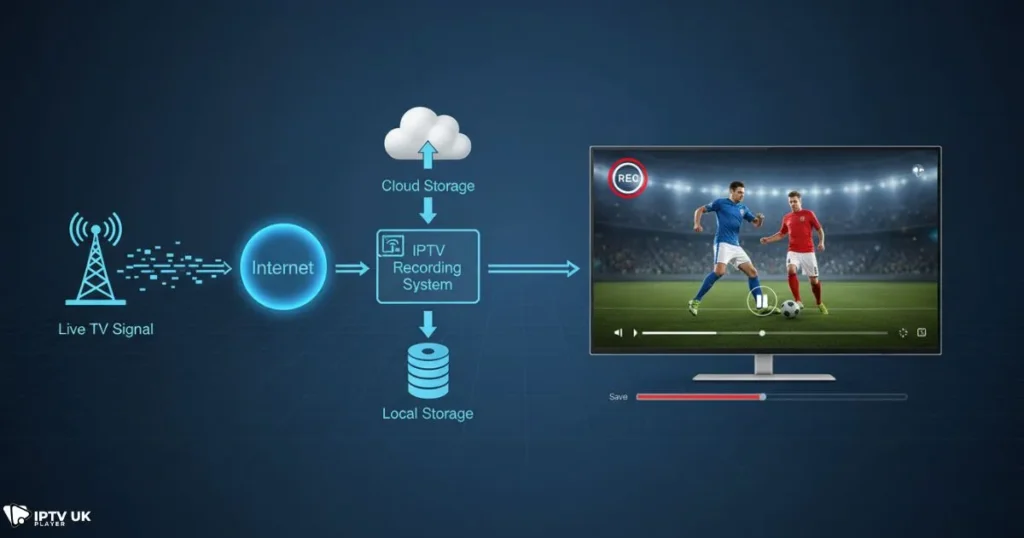
At its core, iptv with recording allows you to save live TV content and watch it later. Instead of relying on fixed broadcast times, you decide when to watch. IPTV streams are delivered over the internet, and recording happens either on your device or through cloud storage provided by the IPTV service.
Understanding IPTV Recording Technology
When you record live TV IPTV, the stream is captured in real time and stored as a video file. Depending on your setup, this file can be saved locally on your device or remotely using a cloud-based IPTV DVR feature.
- Local recording: the video is saved on your device storage such as a USB, hard drive, or internal memory.
- Cloud recording: the content is stored on secure servers and accessed later from any compatible device.
The main requirement is a stable internet connection. Recording quality depends on stream quality, storage speed, and your IPTV recording app.
IPTV DVR Feature vs IPTV Catch Up
Many users confuse IPTV catch up with recording, but they are not the same. Understanding the difference helps you choose the right solution.
| Feature | IPTV DVR Feature | IPTV Catch Up |
|---|---|---|
| Record future programs | Yes | No |
| Watch missed content | Only recorded shows | Yes, limited time |
| User control | Full | Limited |
| Best use | Live events, sports | TV shows |
If you want total flexibility, iptv with recording is the stronger option.
Why IPTV With Recording Is Becoming Essential
Modern viewers expect freedom. Fixed schedules feel outdated. Recording live TV IPTV gives you that freedom while maintaining high quality.
Key Benefits for Everyday Viewing
- Watch shows when it suits you
- Pause, rewind, and fast forward live TV
- Never miss live sports or special broadcasts
- Perfect for families with different schedules
Who Benefits the Most From IPTV Recording?
You benefit from iptv with recording if you work irregular hours, follow international sports, travel often, or simply want control over your entertainment.
How to Record Live TV IPTV on Any Device
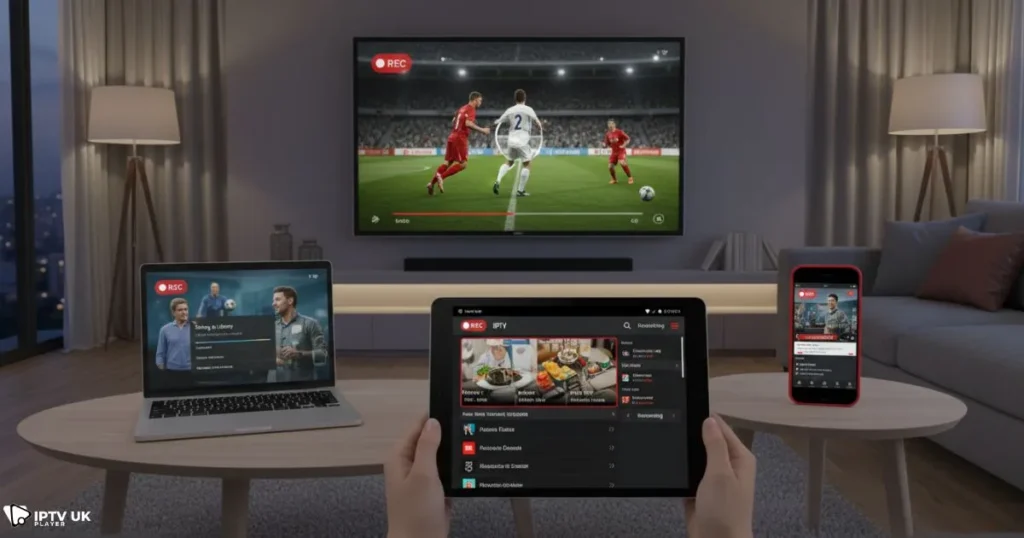
One of the biggest advantages of IPTV is device flexibility. Recording is possible on almost every modern platform.
Recording IPTV on Smart TVs
Many Smart TVs support recording through external USB storage or compatible IPTV recording app.
- Android TV: wide support for DVR features
- Samsung and LG: limited native recording, app-dependent
Recording IPTV on Android Phones and Tablets
Android devices offer the most flexibility. Many IPTV apps allow you to record live TV IPTV directly to internal storage or SD cards.
Recording IPTV on iPhone and iPad
iOS devices have stricter limitations. In most cases, recording relies on cloud-based IPTV DVR feature rather than local storage.
Recording IPTV on Windows and Mac
Computers are ideal for long-term storage. You can schedule recordings, manage files, and store large libraries easily.
For best compatibility, choose a reliable free IPTV player app that supports recording.
Choosing the Best IPTV Recording App
Your recording experience depends heavily on the app you use.
Essential Features to Look For
- EPG integration
- One-click recording
- Scheduled recording
- Support for IPTV DVR feature
Compatibility Matters
Make sure your app works smoothly with your IPTV service. Many users combine recording features with a strong IPTV service selection to avoid buffering or failed recordings.
Recording Sports, Movies, and Series With IPTV
Sports fans especially rely on iptv with recording to avoid missing crucial moments.
Recording Live Sports

When you record live TV IPTV for sports, DVR is better than catch up because extra time and delays are fully captured. This is essential for football, boxing, and motorsports.
If sports are your priority, explore guides focused on watching live sports via IPTV to optimize your setup.
Recording Series Automatically
Some IPTV DVR feature systems allow series recording. Once enabled, every episode is saved automatically.
Storage Options for IPTV Recording
Local Storage vs Cloud Storage
| Storage Type | Advantages | Limitations |
|---|---|---|
| Local | Offline access, full control | Limited space |
| Cloud | Access anywhere | Provider limits |
Many users combine both options for maximum flexibility.
Is IPTV With Recording Legal and Safe?
Legality depends on content rights and regional regulations. Recording for personal use is generally accepted, but always choose a reputable provider.
For accurate technical standards on digital recording and streaming, you can consult guidance from trusted organizations such as BBC Research & Development.
Why IPTV UK Player Is a Smart Choice
Choosing the right service makes recording effortless. IPTV UK Player offers stable streams, catch up, and compatibility with IPTV DVR feature across multiple devices.
Many users start with an Iptv with subscription from IPTV UK Player to test performance before committing long term.
It is also worth exploring insights on why IPTV UK Player stands out among UK providers, especially if recording quality matters to you.
Common Problems When Recording IPTV and How to Fix Them
Recording Stops Unexpectedly
- Check storage space
- Ensure stable internet
- Verify app permissions
Audio or Video Sync Issues
- Change recording format
- Update the IPTV recording app
IPTV With Recording vs Traditional TV DVR
Compared to cable DVR, iptv with recording offers more flexibility, lower costs, and access across devices.
Frequently Asked Questions About IPTV With Recording
What is IPTV with recording?
iptv with recording allows you to save live IPTV streams and watch them later on your device.
Can I record live TV IPTV on my phone?
Yes, many Android apps support local recording, while iOS usually relies on cloud DVR.
Is IPTV catch up the same as recording?
No. Catch up lets you replay past shows for a limited time. Recording gives you full control.
Do I need special equipment?
No special hardware is required beyond compatible devices and storage.
Conclusion: Take Full Control of Your Viewing Experience
Television should adapt to your schedule, not the other way around. With iptv with recording, you decide what to watch and when. Whether it is live sports, movies, or daily shows, recording gives you freedom, flexibility, and peace of mind.
If you want a reliable solution, starting with an Iptv with subscription from IPTV UK Player is a practical step. Test the features, explore recording options, and experience television on your terms.
Your time matters. With the right IPTV setup, you never miss what matters to you.



