 Skip to content
If you have ever experienced buffering during a live match, sudden app crashes, or a player that simply refuses to load your channels on a different screen, you already know how frustrating IPTV streaming can become. You want reliability, clarity, and smooth performance without spending hours troubleshooting. That is why choosing the best iptv app matters so much for your daily entertainment. When paired with a stable service like British IPTV, your viewing experience becomes seamless across Smart TVs, Android devices, tablets, and streaming boxes. Instead of guessing which player works, you can follow a proven framework and enjoy consistent quality without technical headaches.
This guide walks you through everything you need to know about IPTV player apps, compatibility, performance tuning, and real-world usability. You will also discover how IPTV UK Player allows you to test before committing, so your investment stays protected while your entertainment stays premium.
Table of Contents
What Makes the best iptv app in 2026?
Not every IPTV application delivers the same performance. Some look polished but struggle with stability, while others are powerful yet confusing to configure. Selecting the right solution means balancing functionality, speed, and long-term reliability.
Device Compatibility
- Android phones and tablets
- Android TV and Google TV
- Smart TVs from Samsung and LG
- Firestick and Fire TV
- Windows and macOS computers
- iOS devices such as iPhone and iPad
Essential IPTV Player App Features
- M3U playlist and Xtream Codes support
- Electronic Program Guide integration
- Catch-up playback and recording options
- Multi-screen streaming
- External media player compatibility
- Parental controls and content locking
- Subtitle and audio track switching
Performance and Stability
Your experience depends heavily on how efficiently the app handles buffering, stream switching, hardware decoding, and memory usage. Frequent updates also indicate active development and better security.
User Experience
A clean interface, intuitive navigation, fast loading times, and responsive remote control support make daily usage comfortable. The goal is to minimize setup friction while maximizing viewing enjoyment.
Top IPTV Apps for Multiple Devices
These applications consistently perform well across different platforms and integrate smoothly with most IPTV subscriptions. Choosing wisely protects your time, bandwidth, and viewing satisfaction while keeping your streaming stable on every screen using the best iptv app approach.
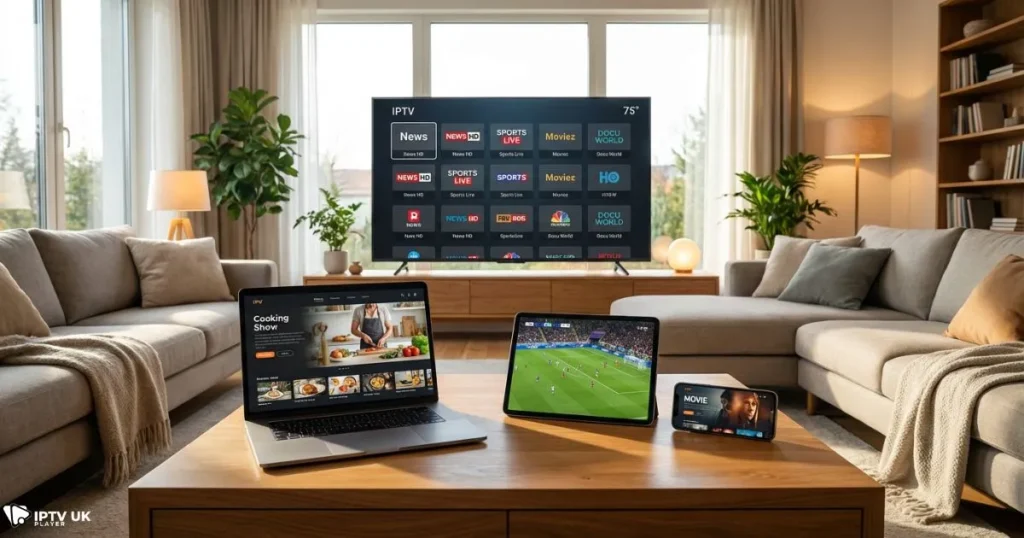
IPTV Smarters Pro
- Works on Android, iOS, Windows, macOS, and Smart TVs
- Supports EPG, recording, and multi-screen view
- User-friendly dashboard for beginners
- Strong playlist compatibility
TiviMate
- Optimized for Android TV and Firestick
- Fast channel switching
- Premium customization features
- Advanced EPG management
XCIPTV Player
- Lightweight installation
- Quick startup speed
- Simple layout with minimal resource usage
Smart IPTV
- Designed for Smart TVs
- Web-based playlist management
- Reliable long-term performance
GSE Smart IPTV
- Strong cross-platform support
- Chromecast compatibility
- Advanced stream customization
Compatibility Comparison Table
| App | Android | Smart TV | Firestick | iOS | Windows | EPG | Recording |
|---|---|---|---|---|---|---|---|
| IPTV Smarters Pro | Yes | Yes | Yes | Yes | Yes | Yes | Yes |
| TiviMate | Yes | Limited | Yes | No | No | Yes | Yes |
| XCIPTV | Yes | Limited | Yes | No | No | Yes | No |
| Smart IPTV | No | Yes | No | No | No | Yes | No |
| GSE IPTV | Yes | No | Yes | Yes | Yes | Yes | No |
Selecting the right platform ensures consistent results when running the best iptv app across all screens in your home.
Best IPTV Apps for Smart TV Viewing
Smart TVs offer convenience but come with operating system limitations. Samsung uses Tizen, LG uses WebOS, and Android TVs rely on Google Play availability. Some players require external activation, while others install directly from the app store.
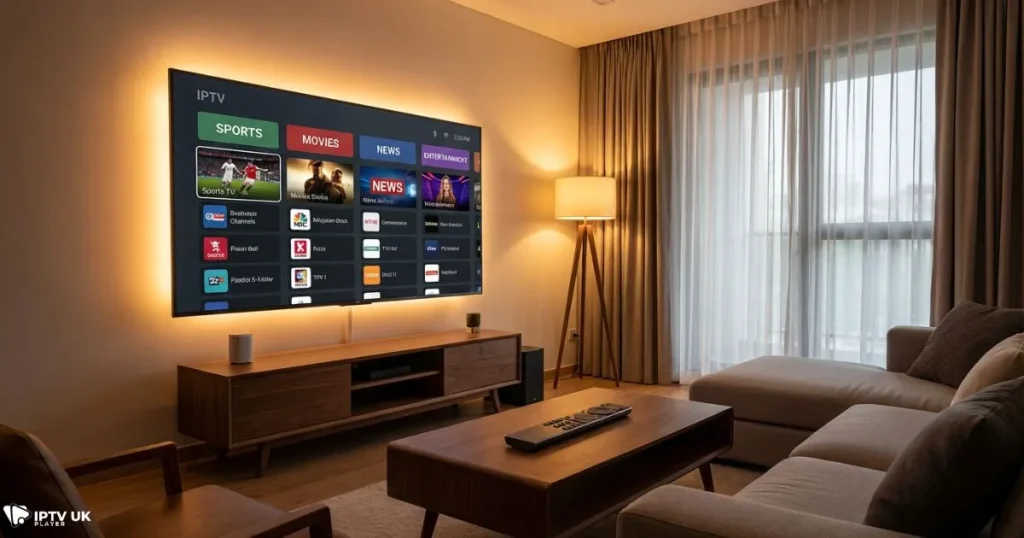
Samsung Smart TVs
- Playlist uploads through web portals
- Stable playback performance
- Limited app selection
LG Smart TVs
- Reliable interface
- Web-based playlist management
- Activation fee may apply
Android TV
- Direct Play Store access
- Voice remote compatibility
- Highest customization flexibility
If you stream primarily on television screens, selecting the best iptv app compatible with your Smart TV ecosystem saves long-term frustration.
Best IPTV App for Android Devices
Android phones and tablets allow portability, screen casting, and background multitasking. Performance tuning becomes critical for consistent playback quality.
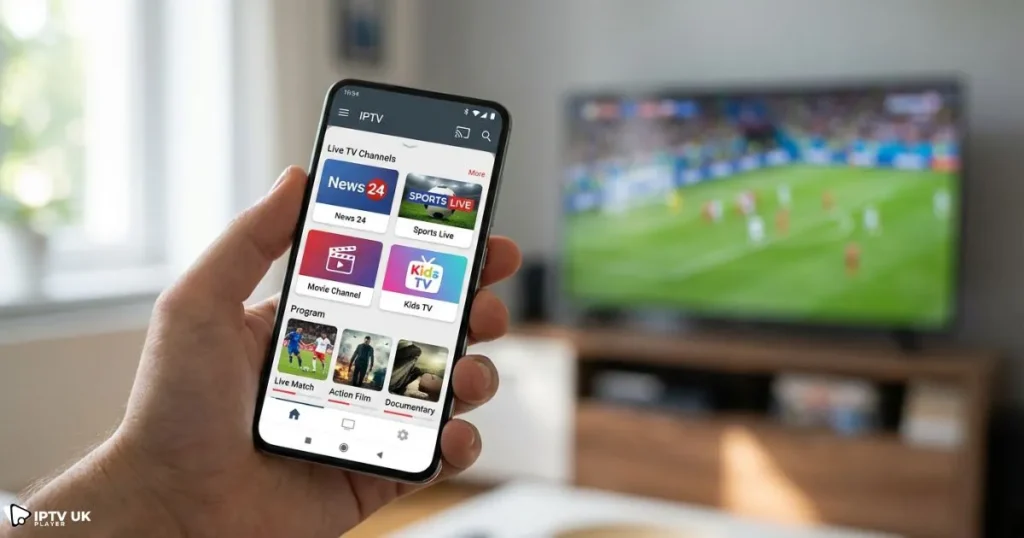
Android Phone vs Android TV
- Touch interface versus remote navigation
- Battery optimization considerations
- Storage management
Optimization Tips
- Enable hardware decoding
- Adjust buffer size
- Keep apps updated
- Close background applications
When optimized correctly, the best iptv app on Android delivers smooth playback even on moderate internet connections.
How to Set Up an IPTV Player App
Method 1: M3U Playlist
- Install your IPTV player app.
- Open settings and select playlist input.
- Paste your M3U URL.
- Save and refresh channels.
Method 2: Xtream Codes API
- Enter username, password, and server URL.
- Confirm connection.
- Allow channels to sync.
Common Mistakes
- Incorrect URL formatting
- Expired subscription credentials
- VPN blocking regional servers
Correct setup ensures your best iptv app operates reliably without repeated interruptions.
Why IPTV UK Player Delivers Reliable Performance
Your player performs best when paired with a stable provider. IPTV UK Player offers optimized servers, fast channel switching, reliable EPG data, and excellent multi-device compatibility. Many users test performance using the free trial before selecting a subscription plan.
You can also explore related resources such as premium IPTV provider comparison insights and reliable IPTV services in the UK to strengthen your decision-making process.
Midway through your research journey, you can always verify quality directly through British IPTV and confirm compatibility with your preferred devices using real-time testing.
Streaming Performance Tips for Stable Playback
| Resolution | Recommended Speed |
|---|---|
| SD | 5 Mbps |
| HD | 10 Mbps |
| Full HD | 20 Mbps |
| 4K | 40+ Mbps |
- Use Ethernet instead of WiFi when possible
- Restart routers weekly
- Enable Quality of Service settings
- Update firmware regularly
Even the best iptv app benefits from proper network optimization and device maintenance.
Security and Legal Awareness
Protecting your privacy is essential. Avoid unknown APK sources, limit app permissions, and consider VPN usage when accessing public networks. You can also learn more about IPTV technology fundamentals from trusted educational references.
Staying informed ensures your best iptv app remains secure and compliant with regional usage policies.
Frequently Asked Questions
What is the best iptv app for multiple devices?
The ideal solution depends on your device mix and usage habits. IPTV Smarters Pro and TiviMate often deliver balanced performance across platforms when paired with a stable provider.
Which IPTV app works best on Smart TVs?
Smart IPTV and Android TV based applications offer reliable compatibility depending on your television model and operating system.
What is the best IPTV player for Android?
TiviMate and XCIPTV provide excellent performance on Android devices, especially when hardware acceleration is enabled.
Can one subscription work on multiple apps?
Most providers allow multi-app access depending on simultaneous connection limits. Always verify policy details.
Does IPTV UK Player support all apps?
Yes, IPTV UK Player supports major IPTV players and allows you to test compatibility through its free trial period.
In many scenarios, users searching for the best iptv app benefit most from testing performance directly rather than relying solely on reviews.
Conclusion and Next Steps
Choosing the right IPTV player improves reliability, viewing comfort, and long-term satisfaction. Focus on compatibility, interface quality, and provider stability before committing. When your setup aligns properly, entertainment becomes effortless and consistent across every device.
To maximize value, explore affordable options through budget-friendly IPTV solutions while maintaining quality standards. When you are ready to experience dependable streaming, start your trial today with British IPTV and confirm real-world performance using the best iptv app that fits your household needs.



