 Skip to content
If you have ever subscribed to an IPTV service and then felt stuck during installation, dealing with channels that refuse to load or apps that crash without explanation, you are not alone. Most problems do not come from IPTV itself, but from poor setup guidance. This is exactly where IPTV Smarters Lite can make a real difference for you. When configured correctly and paired with a solid provider, it delivers a smooth and reliable streaming experience.
This guide is written specifically for you, with a strong focus on clarity, practical steps, and real-world usage rather than vague instructions. By the end, you will know exactly how to download, install, configure, and optimize this IPTV player for the best experience. You will also understand why british iptv services from IPTV UK Player work so well with it, including access to a reliable 24 to 48-hour IPTV free trial.
Table of Contents
What IPTV Smarters Lite Is and Why It Matters
Simple Explanation for Everyday Users
IPTV Smarters Lite is a lightweight IPTV player application. It does not include channels or content on its own. Instead, it allows you to connect your existing IPTV subscription to your device using a clean and intuitive interface.
The Lite version is built for speed and stability. If you want fast loading, minimal lag, and an interface that does not overwhelm you with unnecessary options, this player is designed with you in mind.
Core Features You Benefit From
- User-friendly layout suitable for beginners
- Xtream Codes API login support
- M3U playlist compatibility
- Electronic Program Guide support
- Live TV, movies, and series categories
- Optimized performance on low-resource devices
Legality and Responsible Use
The application itself is legal to install and use. It functions only as a media player. What determines legality is the IPTV service you connect to it. Choosing a trusted provider such as IPTV UK Player helps ensure consistent quality and responsible usage.
Supported Devices and Compatibility
Devices You Can Use
You can run IPTV Smarters Lite on many popular devices, which makes it flexible for home and mobile viewing.
- Android phones and tablets
- Android TV and TV boxes
- Amazon Firestick and Fire TV
- Android-based Smart TVs
- PC or Mac using emulators
Minimum Requirements Overview
| Device | Operating System | Recommendation |
|---|---|---|
| Android Phone | Android 5.0+ | 2GB RAM |
| Android TV Box | Android 7.0+ | Stable Internet |
| Firestick | Fire OS 5+ | 5GHz Wi-Fi |
How to Download the App Safely
Official Download for Android
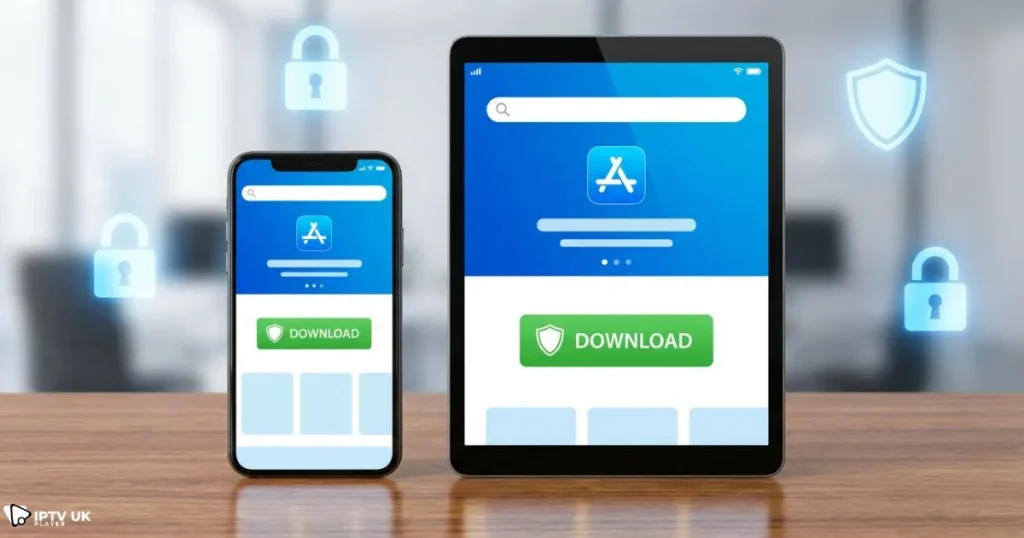
The safest way to install IPTV Smarters Lite is through the Google Play Store. Search for the app name, confirm it is published by the official developer, and install it directly to ensure security and updates.
Using the APK File When Needed
In certain regions, you may need the APK file version. If so, only download it from reputable sources and enable unknown app installation in your device settings.
- Allow unknown sources temporarily
- Avoid modified or cracked files
- Disable unknown sources after installation
Installation on Amazon Firestick
Firestick users can install the app using the Downloader tool.
- Install Downloader from the Amazon App Store
- Enable apps from unknown sources
- Enter the official download URL
- Complete installation and launch
Complete Setup Process Step by Step
What You Need Before Starting
- An active IPTV subscription
- Reliable internet connection
- The player installed on your device
Login Using Xtream Codes API
This method is recommended for most users because it is fast and easy to manage.
- Open IPTV Smarters Lite
- Select the Xtream Codes API login option
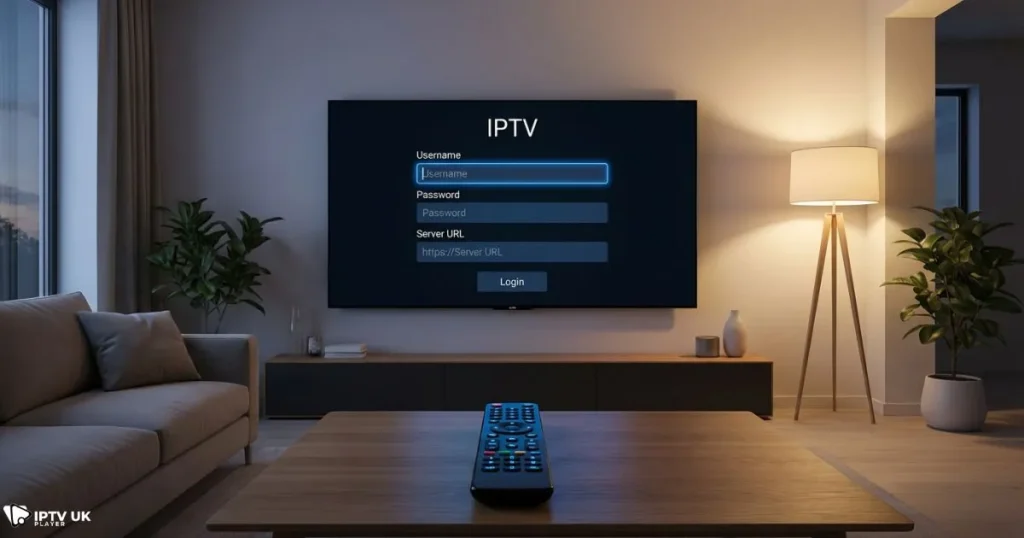
- Enter your username, password, and server URL
- Confirm and wait for content to load
IPTV UK Player provides clear credentials, which reduces setup errors and saves time.
Setup Using an M3U Playlist
You can also connect using an M3U link if your provider supports it. This option works, but it offers less flexibility compared to API login.
- Select playlist login
- Paste your M3U URL
- Allow the app to sync content
Using the App Effectively Day to Day
Interface Navigation
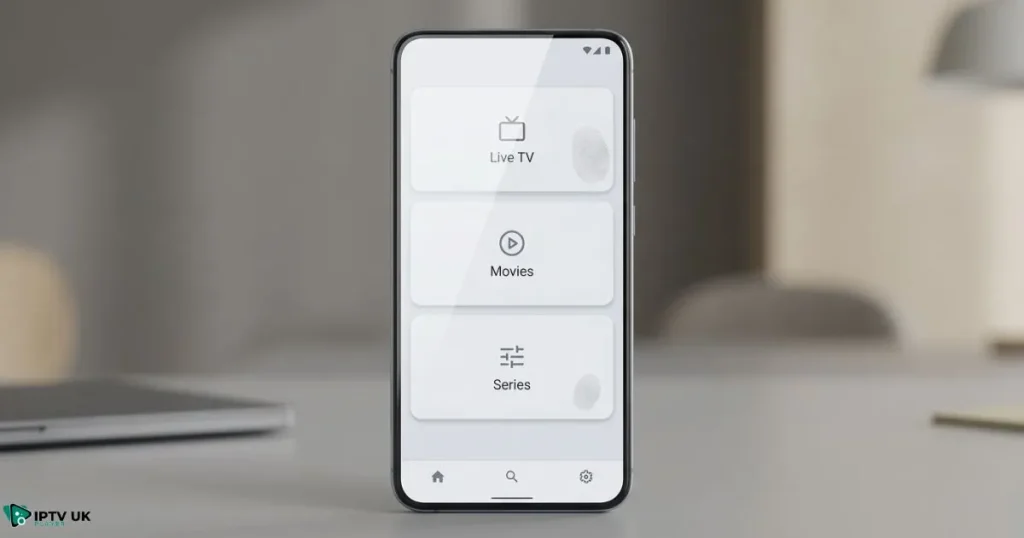
After login, content is divided into Live TV, Movies, and Series. This structure makes it easy for you to find what you want without unnecessary searching.
TV Guide and Scheduling
The EPG shows current and upcoming programs. If it does not appear immediately, you can refresh it manually from the settings menu.
Favorites and Search Tools
- Mark channels as favorites for quick access
- Use built-in search to locate content faster
Performance and Playback Optimization
Recommended Video Settings
- Enable hardware decoding if supported
- Adjust buffer size to reduce freezing
- Match resolution to your screen
Internet Speed Considerations
Stable internet plays a major role in performance. According to Speedtest by Ookla, HD streaming typically requires at least 10 Mbps for consistent playback.
Common Issues and Practical Fixes
When the App Does Not Work
- Restart the device
- Recheck login credentials
- Confirm subscription status
Reducing Buffering Problems
Buffering is often caused by network instability or overloaded servers. Using a reliable IPTV service matters. Many UK users rely on Best Iptv for uk because of optimized local servers.
Why IPTV Smarters Lite Works Perfectly with IPTV UK Player
Compatibility and Stability
IPTV Smarters Lite works smoothly with IPTV UK Player because the service is tested for compatibility and stability.
To better understand how subscription-based IPTV services compare, you can explore detailed guidance on choosing premium IPTV options for consistent performance.
You may also find it useful to review what features define a high-quality IPTV subscription, including supported devices and apps.
UK viewers can benefit from learning which IPTV services are best suited for British channels and sports.
Understanding how to select reliable IPTV providers helps you avoid unstable services and poor streaming quality.
Subscription Plans Overview
| Plan | Channels | Quality | Free Trial |
|---|---|---|---|
| 1 Month | 20000+ | HD, Full HD, 4K | 24 to 48 Hours |
| 3 Months | 20000+ | HD, Full HD, 4K | Yes |
| 12 Months | 20000+ | HD, Full HD, 4K | Yes |
Frequently Asked Questions
Is IPTV Smarters Lite Free to Use?
Yes, IPTV Smarters Lite is free to download and use. You only pay for your IPTV subscription.
Can You Use It on Multiple Devices
Multi-device usage depends on your IPTV provider. IPTV UK Player offers flexible plans that support different viewing needs.
Which IPTV Service Works Best
The best experience comes from a provider with strong servers, UK-focused content, and responsive support. IPTV UK Player offers a free trial so you can test performance before committing.
Final Thoughts and Next Steps
When set up correctly, IPTV Smarters Lite becomes a reliable gateway to live TV and on-demand content. Every step you follow improves stability and viewing comfort. Pairing the app with a trusted provider ensures fewer interruptions and better quality.
If you want to experience IPTV without uncertainty, take advantage of the 24 to 48-hour free IPTV trial from IPTV UK Player. Follow this guide once, complete your setup, and enjoy streaming with confidence.



